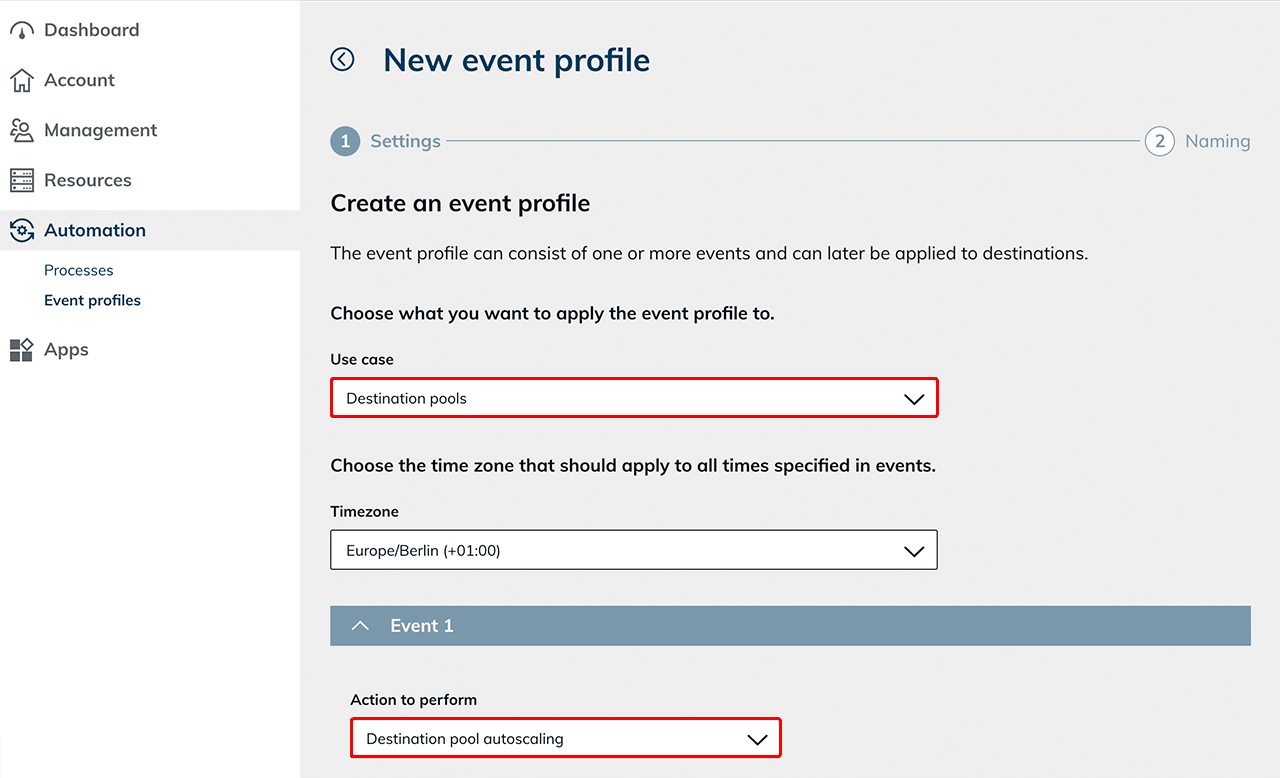
3. Create event profile for autoscaling
To define the scaling behavior of a destination pool, you need an event profile
- Create a new event profile.
- Select the use case "Destination pools" and the appropriate Timezone.
The autoscaling action is only available when the use case "Destination pools" is selected. - For Action to perform, select "Destination pool autoscaling".
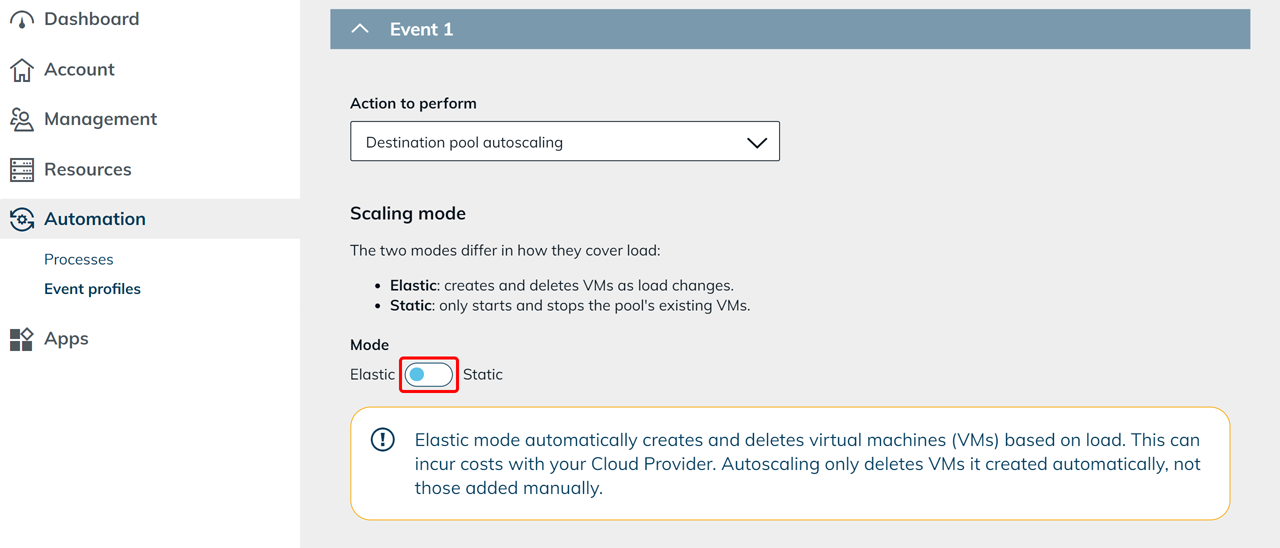
Select scaling mode
Now select the desired scaling mode and configure the further settings depending on the selected scaling mode:
-
Configure elastic mode
oneclick™ automatically creates and removes virtual machines based on a base VM. -
Configure static mode
oneclick™ only starts and stops virtual machines that already exist in the destination pool.