1. Prepare network and optional domain controller
Set up the network for the virtual machines of the destination pool.
-
Create a network.

-
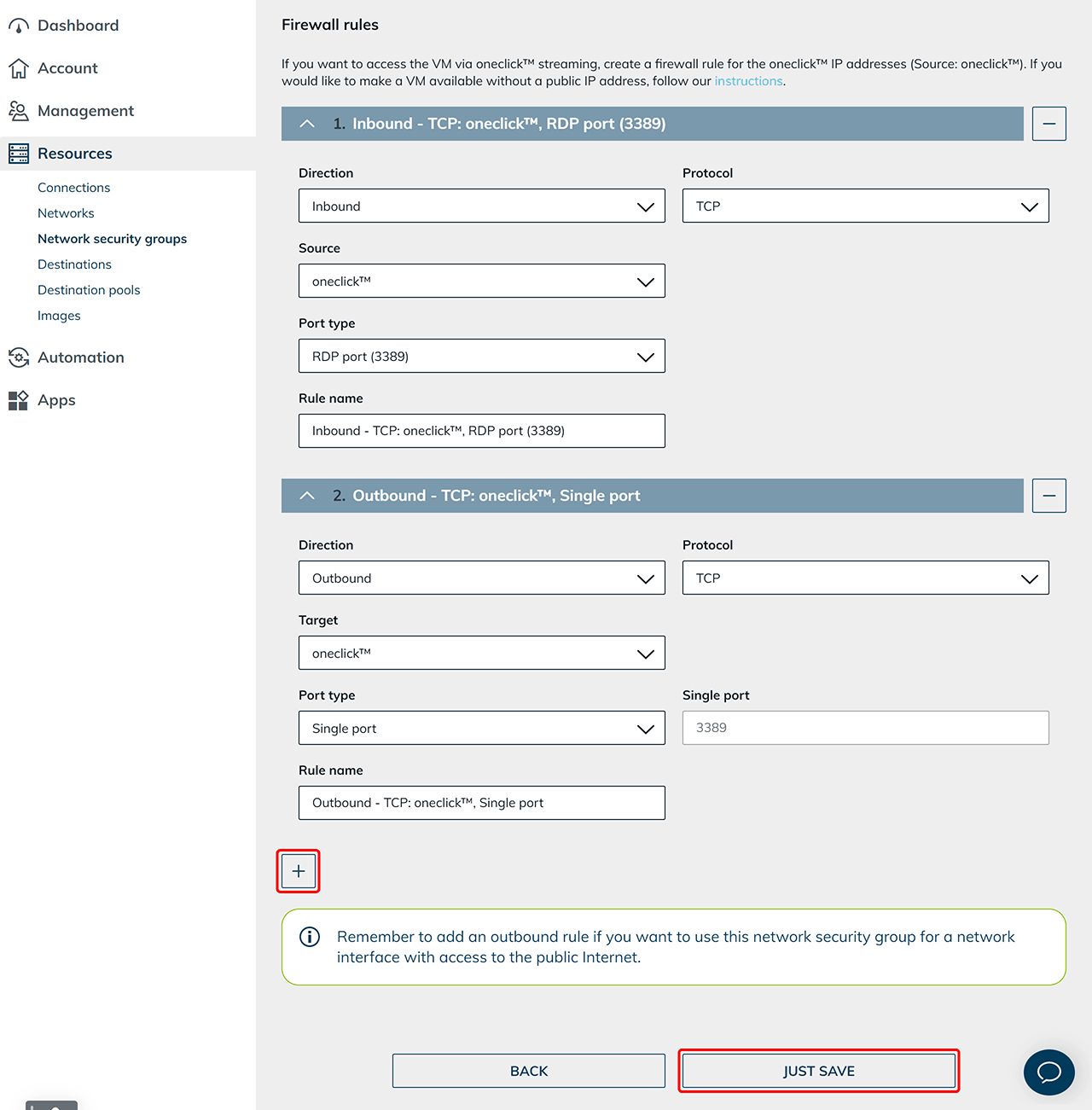
Create a network security policy for the oneclick™ IP addresses.
Set up domain controller (optional)
If you use an Active Directory integration, also set up a domain controller.
If no AD integration is required, skip this section.
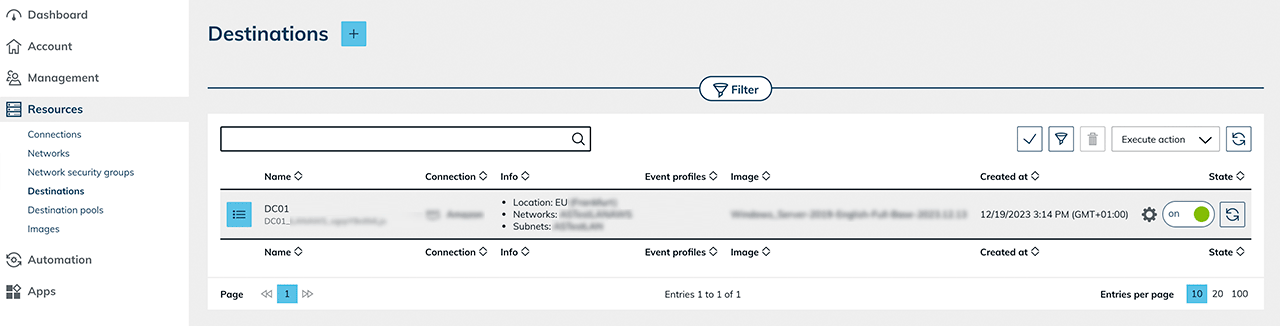
- Provision a VM.
- Create a destination pool.
- Create an app configuration.
- Create an app instance.
- Configure the VM as a domain controller.
After successfully setting up the domain controller:
-
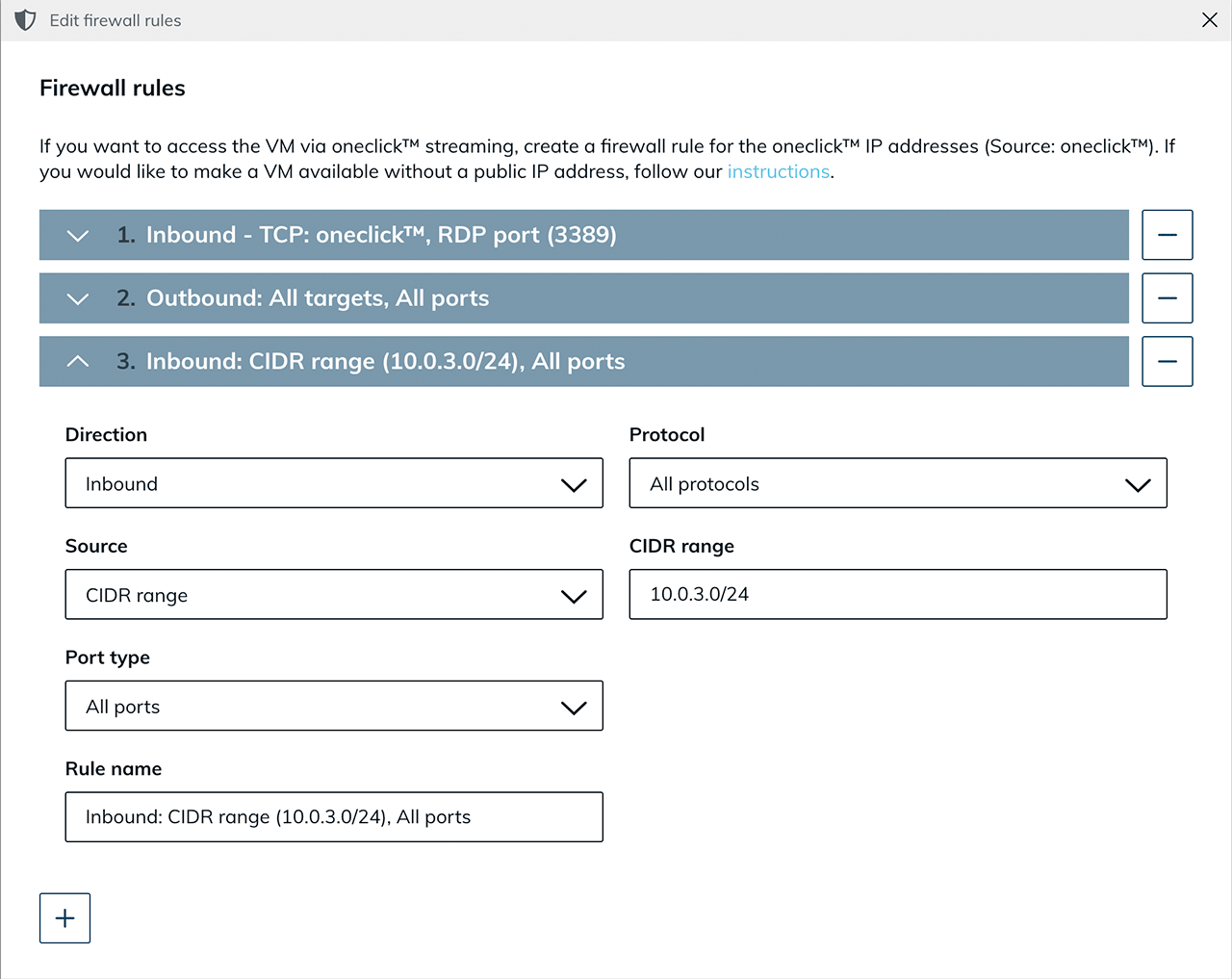
Edit the existing network security policy and allow the internal network range so that virtual machines and the domain controller can reach each other.
-
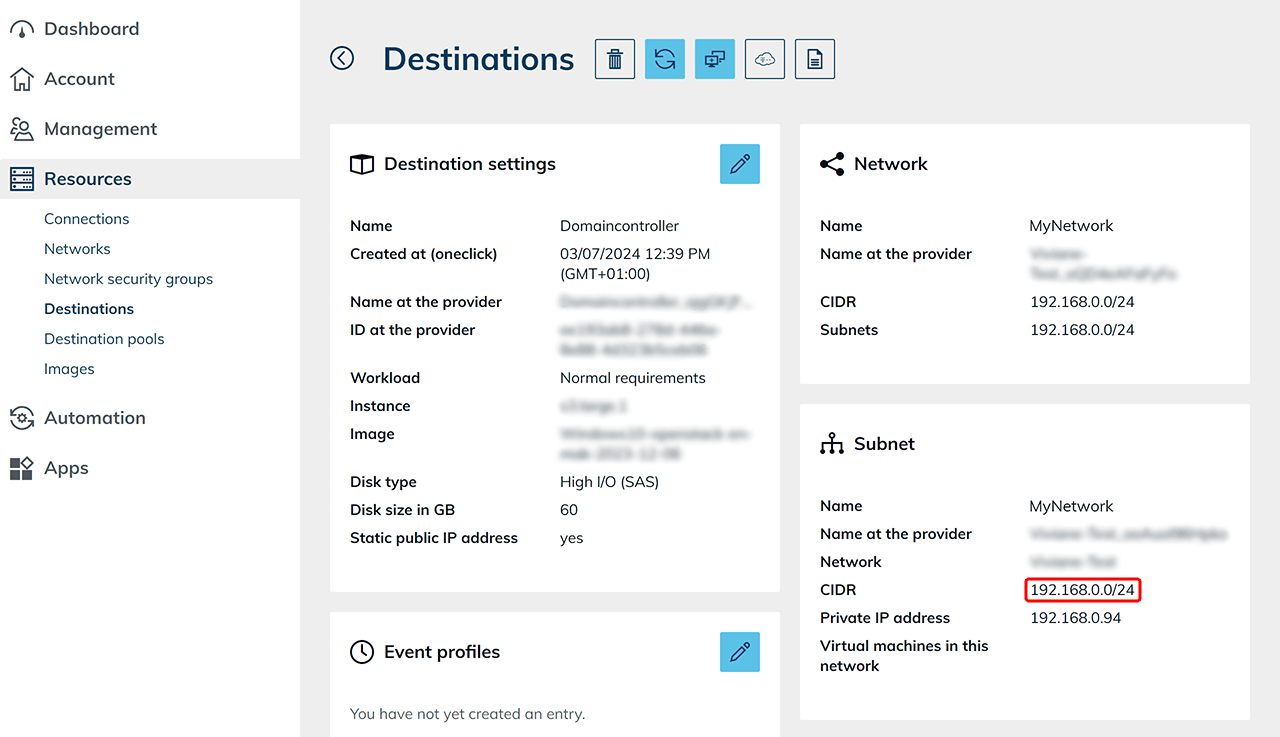
You can find the CIDR range in the domain controller details view.