5. Start autoscaling
Assign autoscaling event profile
The autoscaling function is available exclusively in event profiles for destination pools.
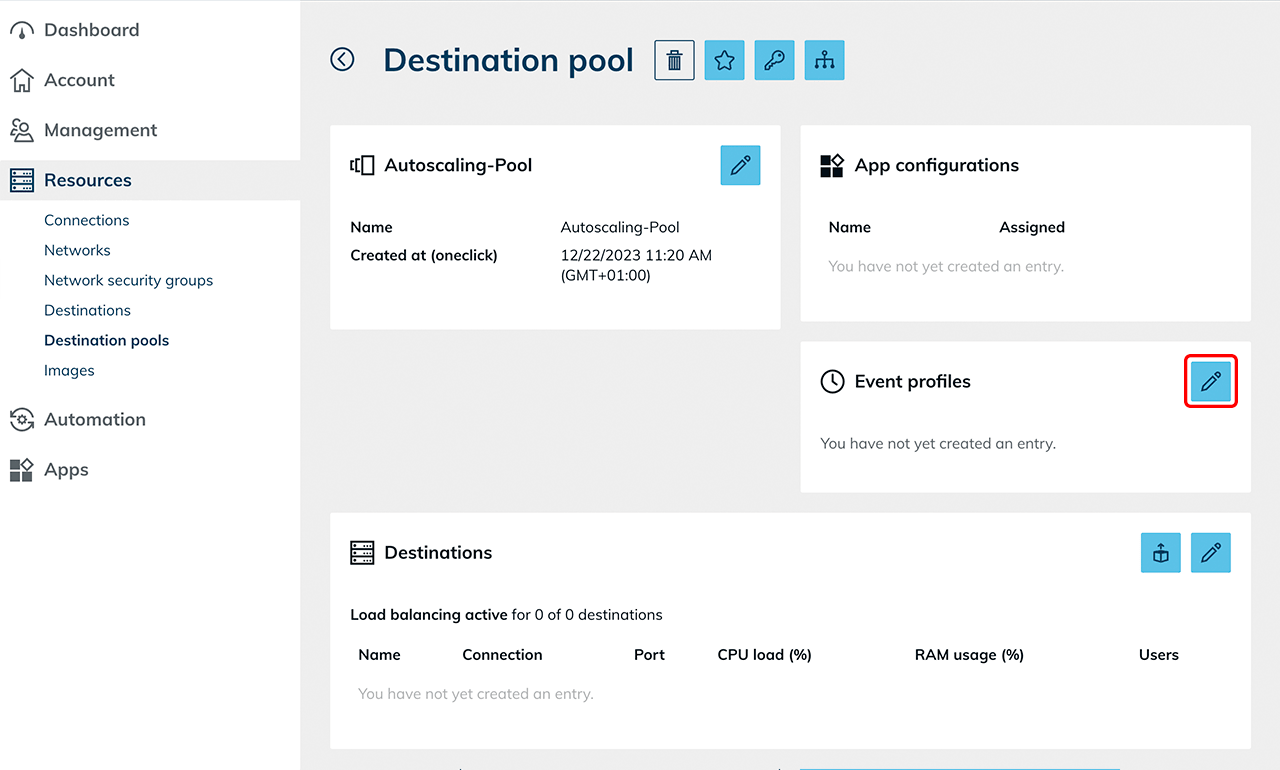
- Click Resources in the menu, then click Destination pools.
- Click the List icon to open the details view.
- In the Event profiles tile, click the Pencil icon.
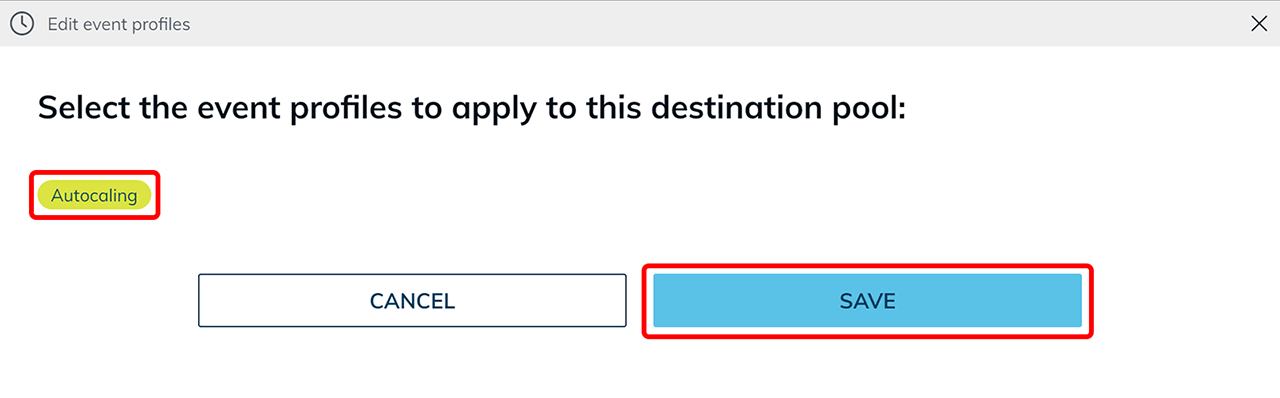
- Select the autoscaling event profile you created earlier.
If multiple autoscaling event profiles are configured, the most recently activated event always applies to the destination pool. - Click Save.
The behavior after activation is described in the article Autoscaling behavior.