Default destination
You can specify a default destination in the respective destination pool. This has the advantage that your default destination is selected if multiple users are allowed to have access to the same destination at the same time.
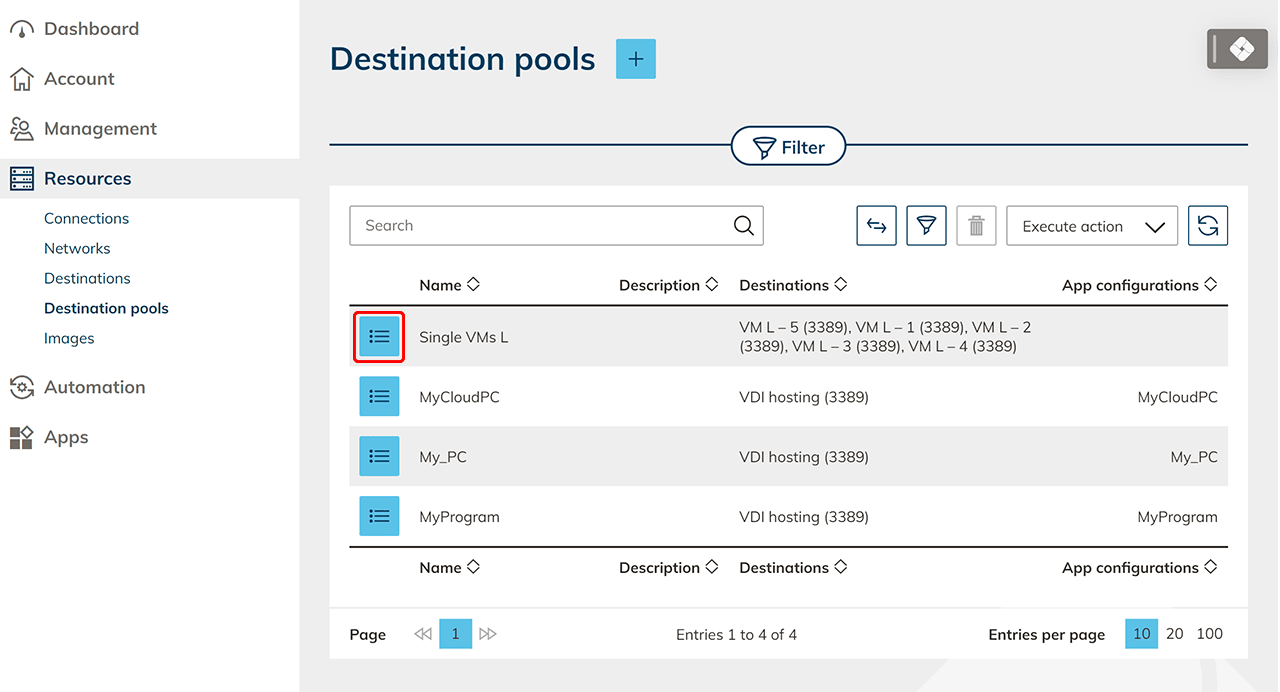
- First click on Resources, then on Destination pools and switch to the details page of your resource by clicking on the List icon.
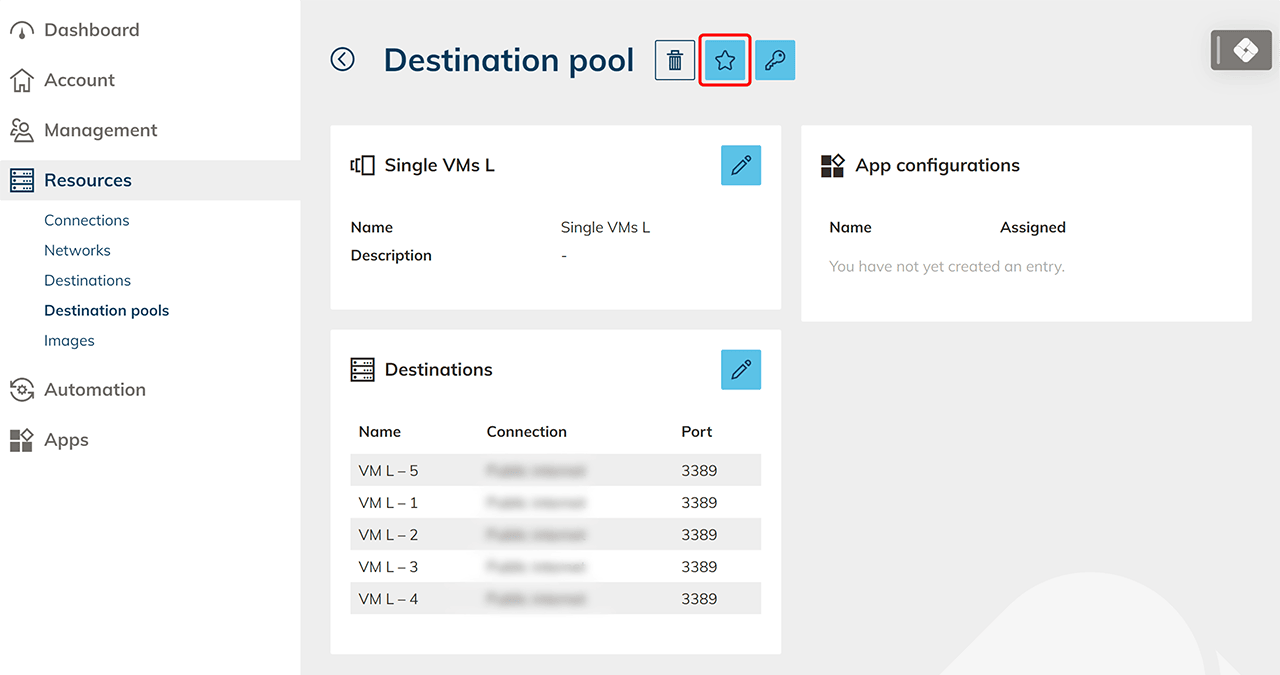
- Click on the Star icon.
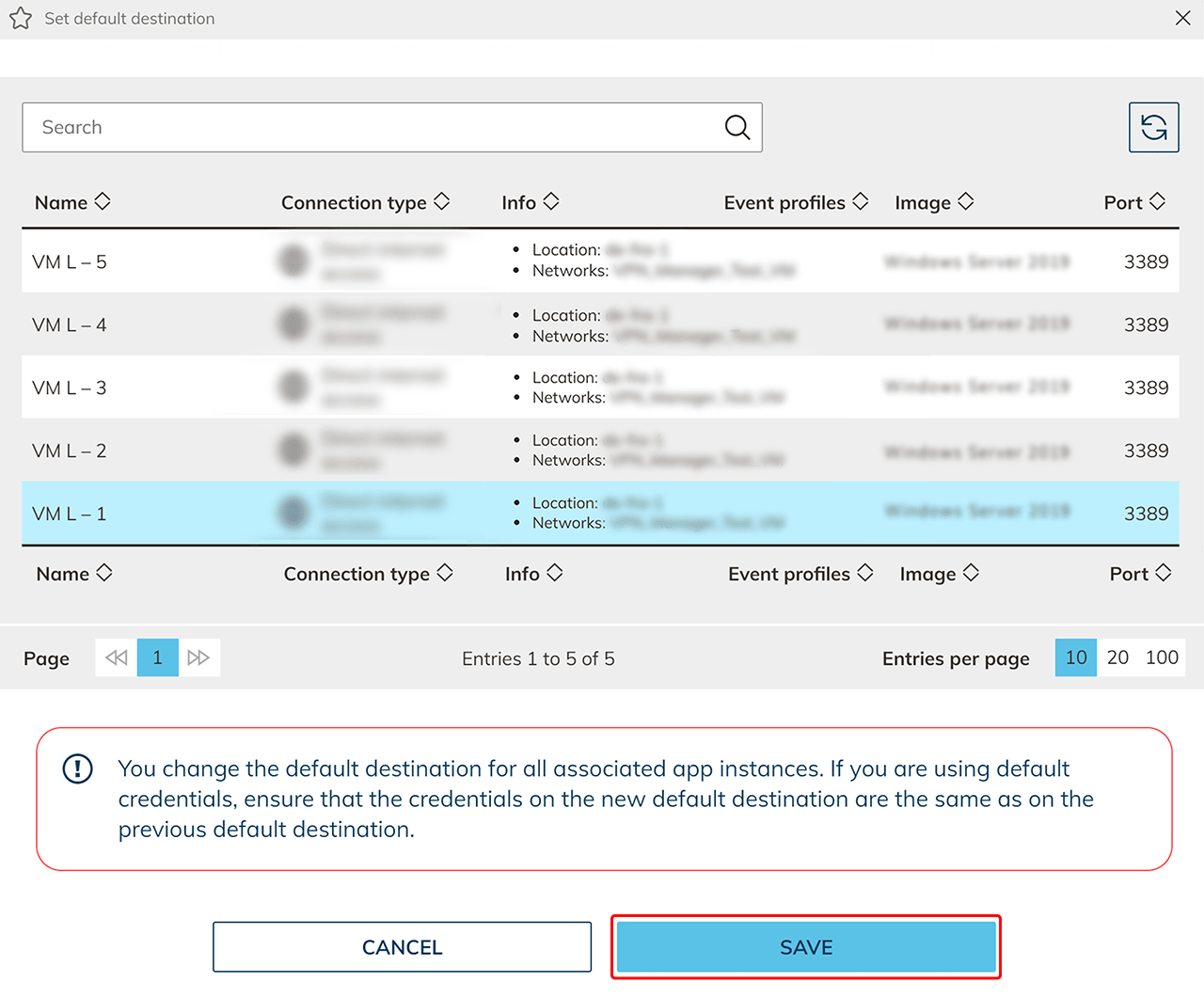
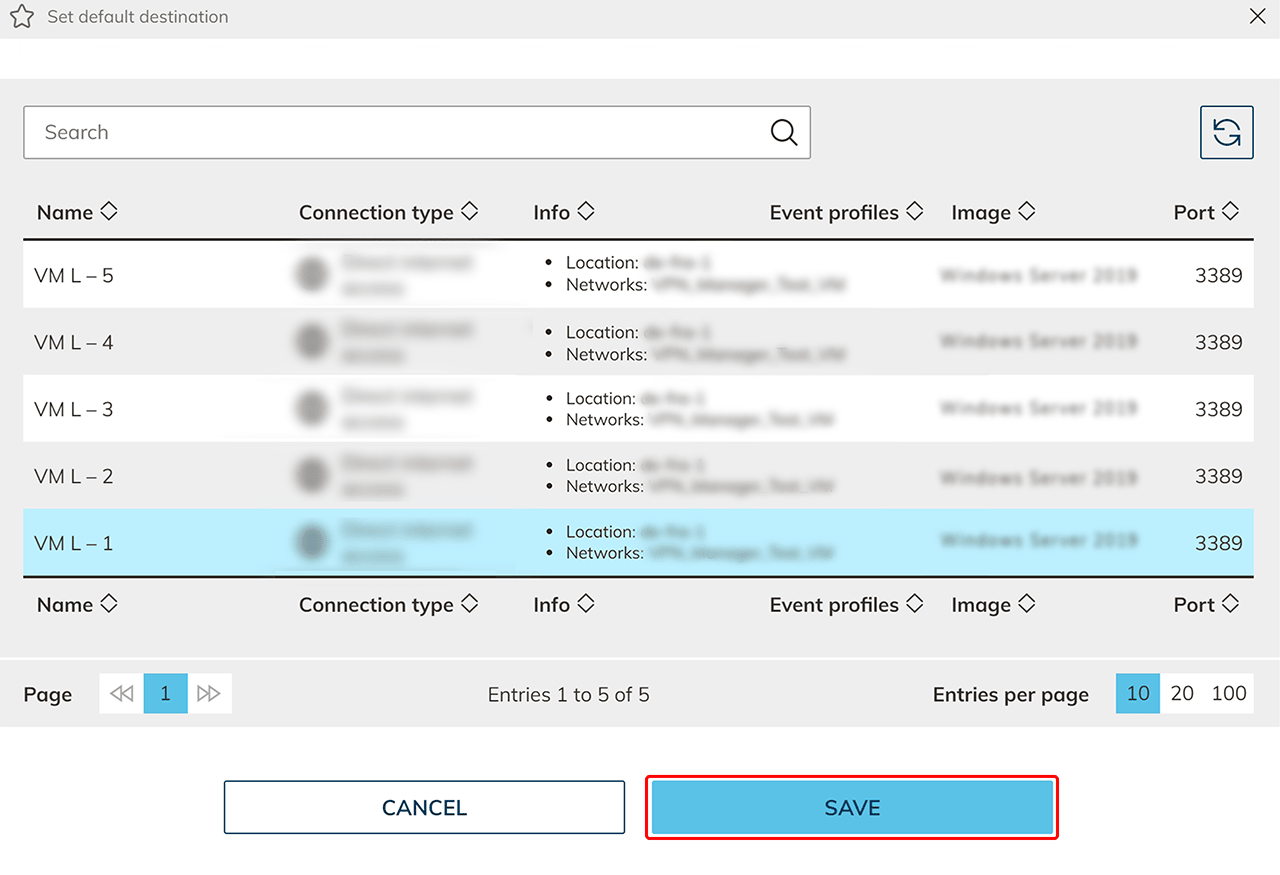
- Select the destination you want to set as default and Save your settings.
Change default destination
By clicking the Star icon again, you can change your settings at any time and define a new default destination. You can identify your default destination by the star in front of the designation.
App instances that have already been created, where a default destination has been selected, then receive the new default destination. If you replace a destination and at the same time you have selected default credentials, you can replace a server without entering any further credentials. The accesses of your users will remain valid.