Basic or Professional users
After setup, the oneclick™ Workspace consists of either an app (for users with a Basic license) or the oneclick™ Desk (Unified Workspace) (requires a Professional user license) on which all assigned apps are displayed.
Users with Basic license
- Your users receive access to and use of exactly one app. Your users do not have access to the oneclick™ Desk.
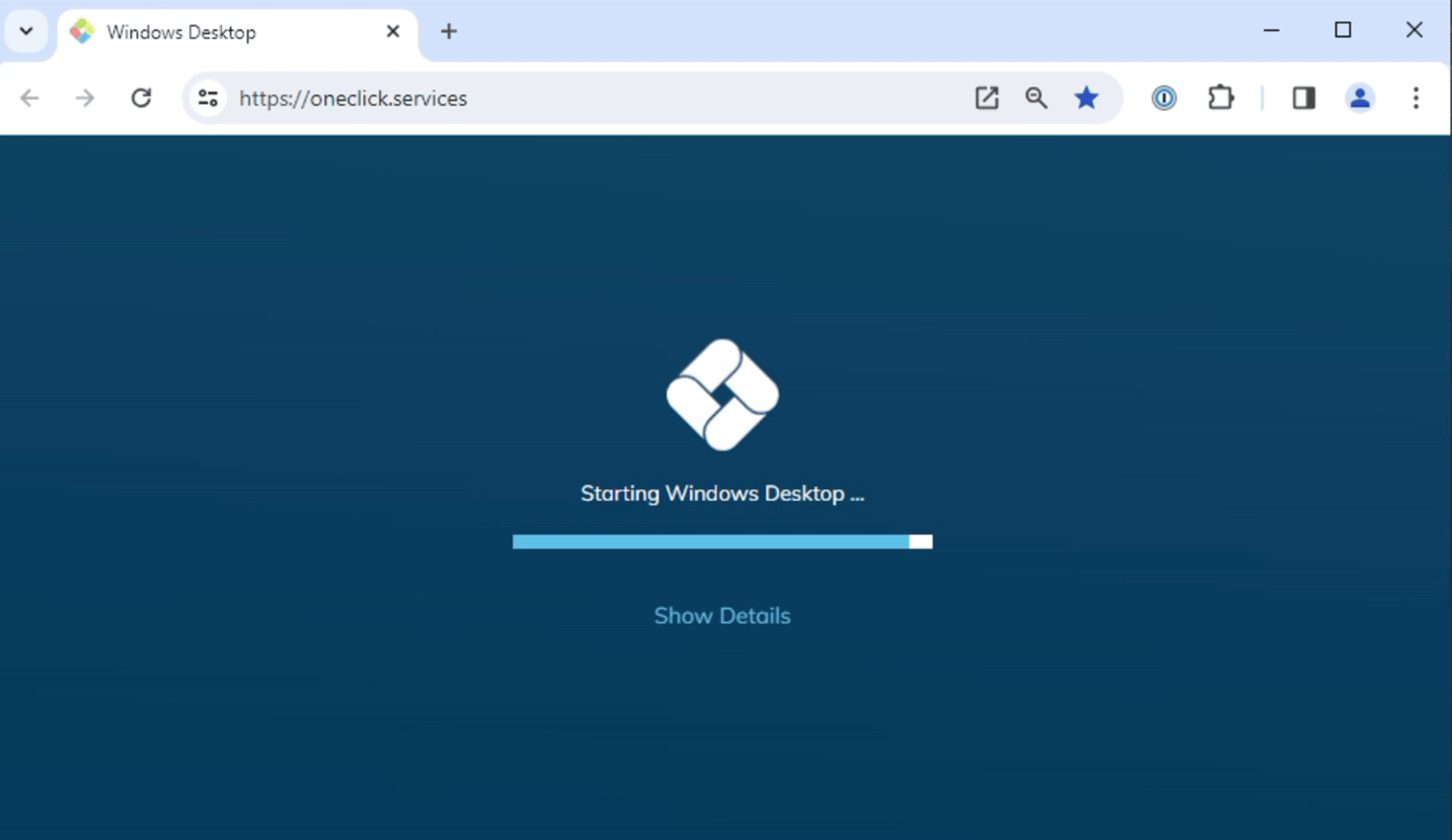
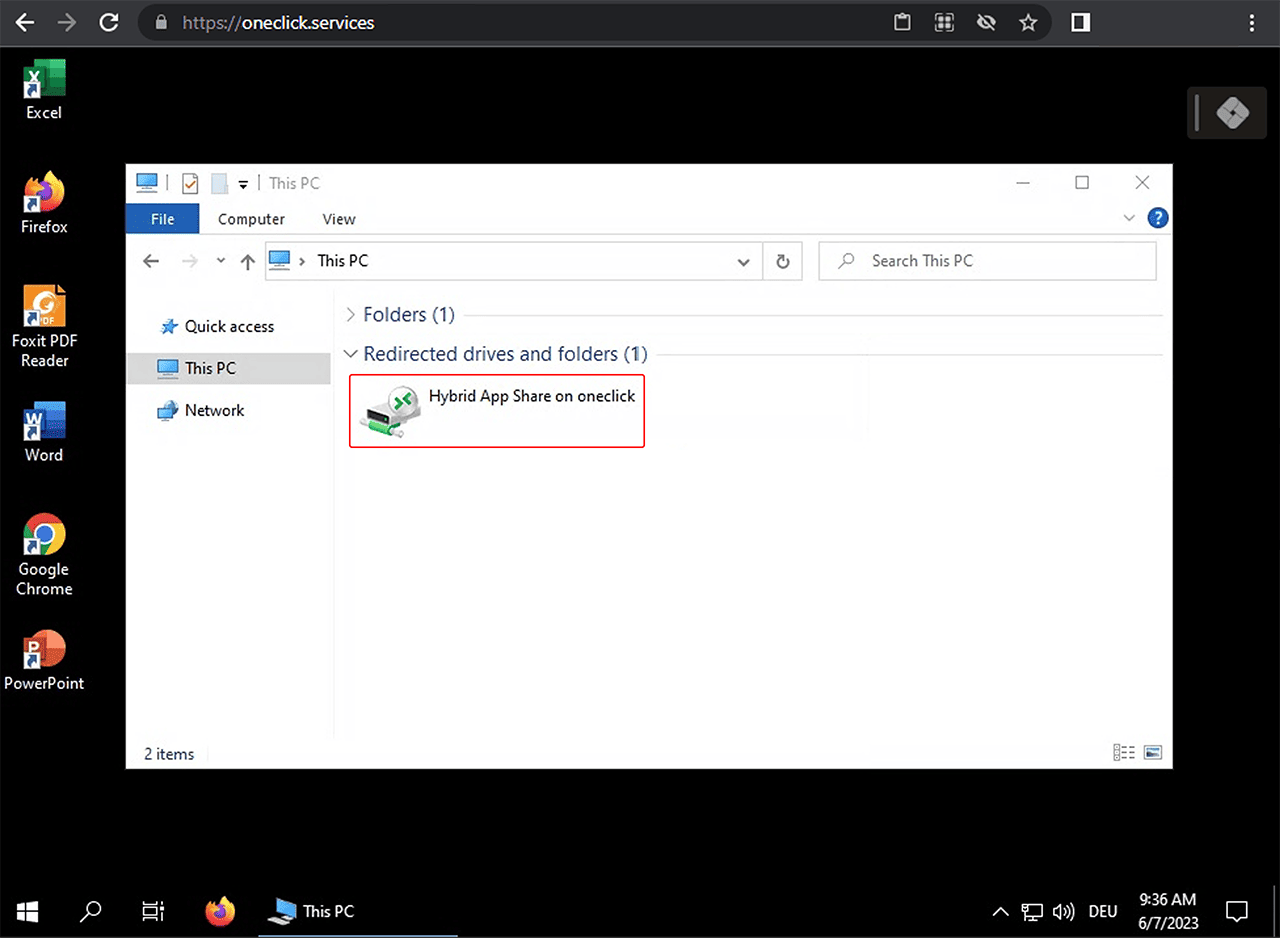
- Optionally, you can make the oneclick™ Hybrid Drive available to your users. Your users then can upload and download data between their local end device and the connected resources via "drag and drop". This is a mounted drive and not the Hybrid Drive app, which is only available for Professional users in addition.
- Administrator rights are not provided for users with a Basic license.
Users with a Professional license
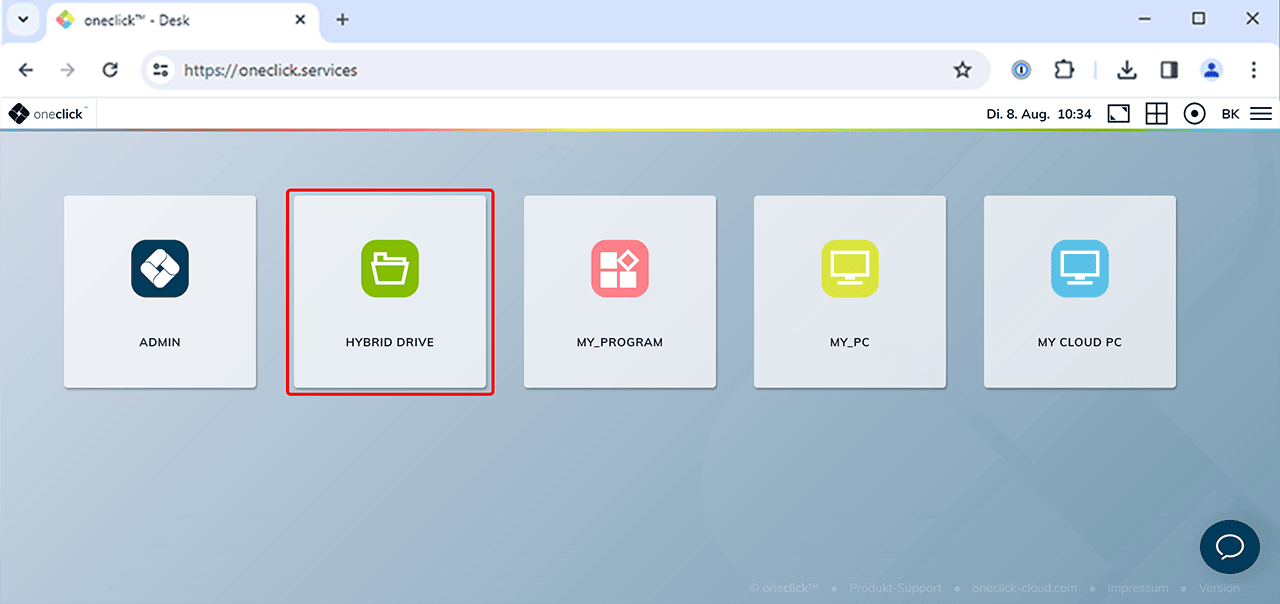
- Your users have access to the oneclick™ Desk, through which they can access all connected applications centrally.
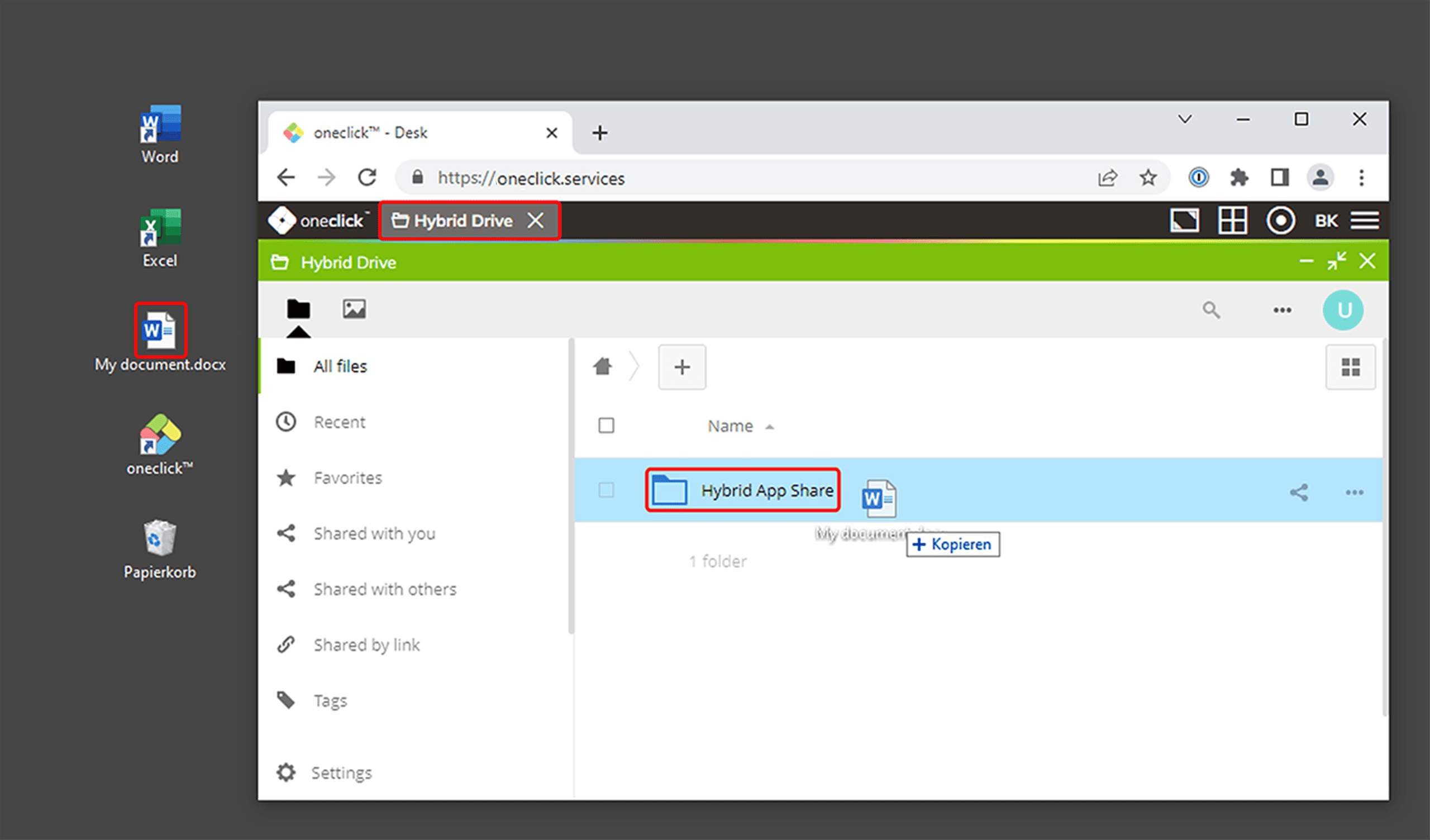
- The oneclick™ Desk (Unified Workspace) contains the Hybrid Drive app for sharing files.
- Users can simply drag and drop the desired files from their local device into the app window.
- If a user is to have administrator rights, a Professional license is required.
- Users with a Professional license have the option of changing their own settings, such as language, password and Workspace appearance in the oneclick™ user menu or they can get in touch with a contact person.