Change oneclick™-password
If you are logged into as a professional user at the oneclick™ Workspace, you can change your password in the desk menu by yourself.
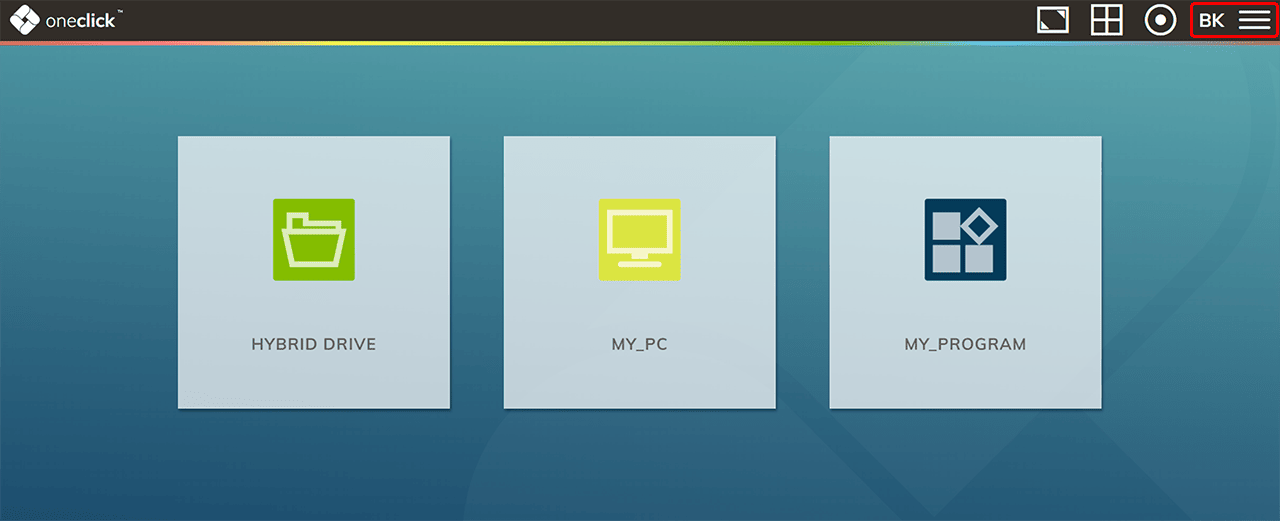
- To do this, click on the Burger icon in the upper right corner.
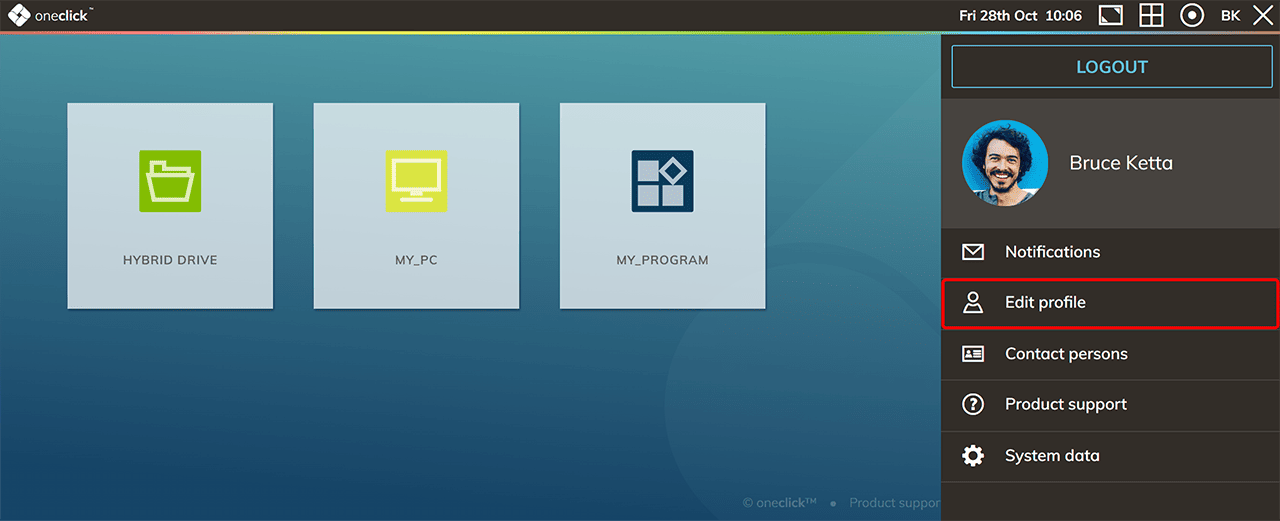
- In the menu that pops up, select Edit profile.
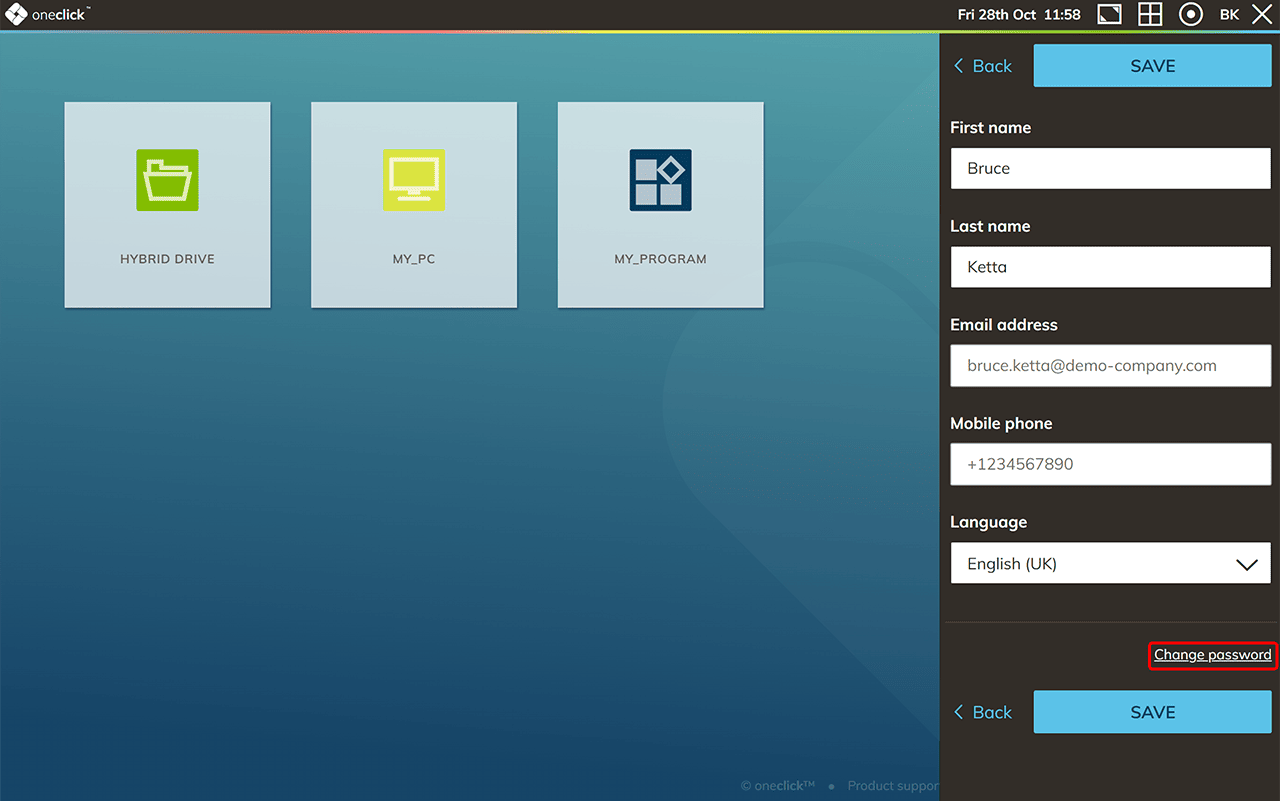
- Click on Change password.
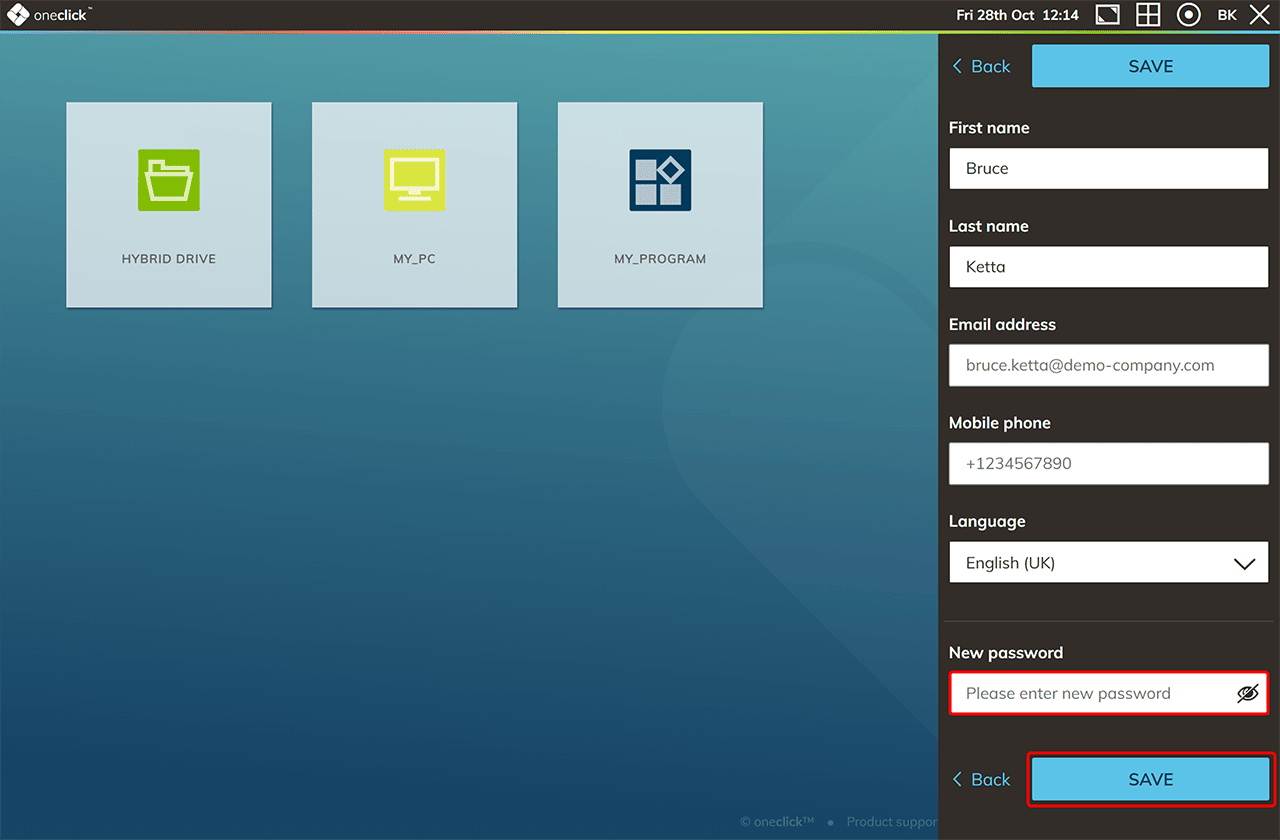
- An input field opens. Enter your new password and Save your entry.
Note
If you have reset your password and still cannot sign in to oneclick™, the issue may not be related to your user account but to a central administrator setting.
In this case, contact your administrator.
The administrator should verify whether the policy “Allow login with password” is enabled for your user license. Without this setting, signing in with a username and password is not possible.