Back to the oneclick™ Desk
Do you have access to the oneclick™ Desk, where there are multiple tiles?
If you are in an application and want to return to the oneclick™ Desk, but you already closed the oneclick™ Desk (because you opened the app in a new window for instance), you can proceed as follows:
- Click in the address bar on the top of the browser window.
- Delete the text after
oneclick.services/and typedeskinstead. Your URL will then look like this:oneclick.services/desk. - Press Enter on your keyboard, this will take you directly to your oneclick™ Desk.
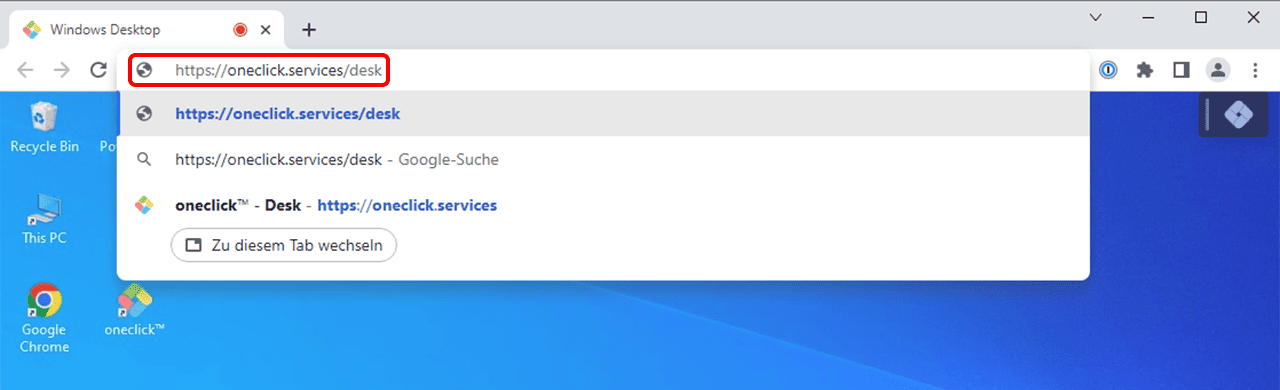
Now you can access all connected applications directly as usual.
If you do not get to your oneclick™ Desk automatically after logging in, you can use the same procedure to get there.