What`s new in oneclick™?
Version / Release: 2609.02.112
Release date: 30 September 2026
Improvements
Saved connection files keep working
If you saved a connection file (.rdp) for an app that runs on several servers and you open it through the oneclick™ Gateway, it used to stop working as soon as oneclick™ moved you to another server, typically the next morning. Your saved files now always connect you to the server that is currently assigned to you.
Your apps stay up to date after a connection loss
If your browser lost its connection to oneclick™ for a while, for example after your laptop woke up from sleep or the tab was in the background, oneclick™ Desk could keep showing outdated app tiles until you reloaded the page. Desk now catches up on the missed changes automatically as soon as the connection is back.
Hide warnings permanently
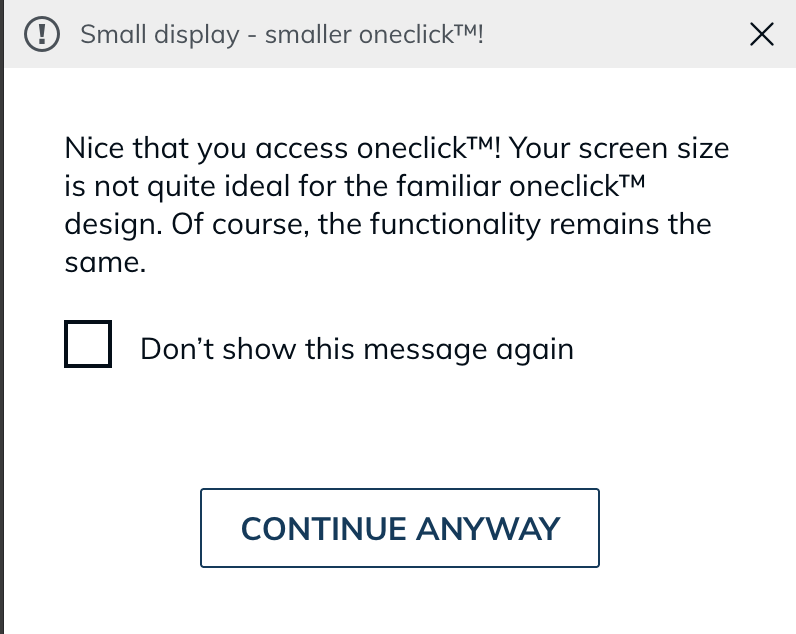
The warning about an unsupported browser and the warning about a small display now offer "Don't show again". Once you choose it, the dialog no longer comes back.
Bug Fixes
- Closing an app no longer takes long in the evening: During busy hours, closing an app could take over a minute or end with an error message. Closing an app is now immediate again at any time of day.
- Second factor is no longer requested where your company excluded it: If your administrator excluded certain IP ranges from two-factor authentication, you were still asked for the second factor there. This now works as configured. Depending on your company's settings, you may now be asked for a second factor from certain addresses where you were not asked before. Failed login attempts by other users also no longer block your own login temporarily.
- Choosing a country during registration works correctly: The country field on the registration form no longer treats its placeholder as a selection. You can choose or type your country right away without deleting anything first.
- Typing in selection fields is reliable again: In Safari and some other browsers, the first character you typed into the search of a selection field could be dropped. Keyboard navigation in these fields has also improved.
Version / Release: 2607.03.053
Release date: 1 September 2026
Improvements
More keyboard layouts, fewer wrong characters
For each app, oneclick™ needs to know which keyboard layout the remote system uses. Danish is now in that list, so the letters æ, ø, and å appear the way they are printed on the key. If the layout of your remote system is not in the list, choose "Other layout" — your input now arrives correctly there too, including letters such as ą, ć, ğ, and ş, Greek and Cyrillic letters, and the Euro sign, which used to go missing. Shortcuts such as Ctrl+C and Ctrl+V work in that mode as well, and a help icon next to the setting explains what to choose. Your administrator sets the layout; where this setting has been released for you, you can change it yourself in the settings on your app tile.
App tiles show maintenance before you click
When all systems that an app can use are under maintenance, its tile is now greyed out straight away and shows the maintenance notice when you point at it. Before, the tile looked normal, and you only found out after clicking and waiting for the app to start. The tile updates on its own while you are signed in, so the app becomes available again as soon as the maintenance ends. If you do start an app while everything behind it is under maintenance, the message now says so instead of reporting missing capacity.
Notice when maintenance is planned on your system
If maintenance is planned on the system you are working on, oneclick™ now tells you when you start an app. The notice asks you to save your documents and sign out of the system — closing the app or restarting your browser is not enough. Once you have signed out, your next start puts you on a different system.
Bug Fixes
- E-mail template and public page in Hybrid Drive corrected: The Hybrid Drive e-mail template has been corrected. The public page where recipients without a oneclick™ account open a share now shows oneclick™ branding.