2606.02.016
Version / Release: 2606.02.016
Release date: 17 June 2026
Improvements
Smoother 2FA experience
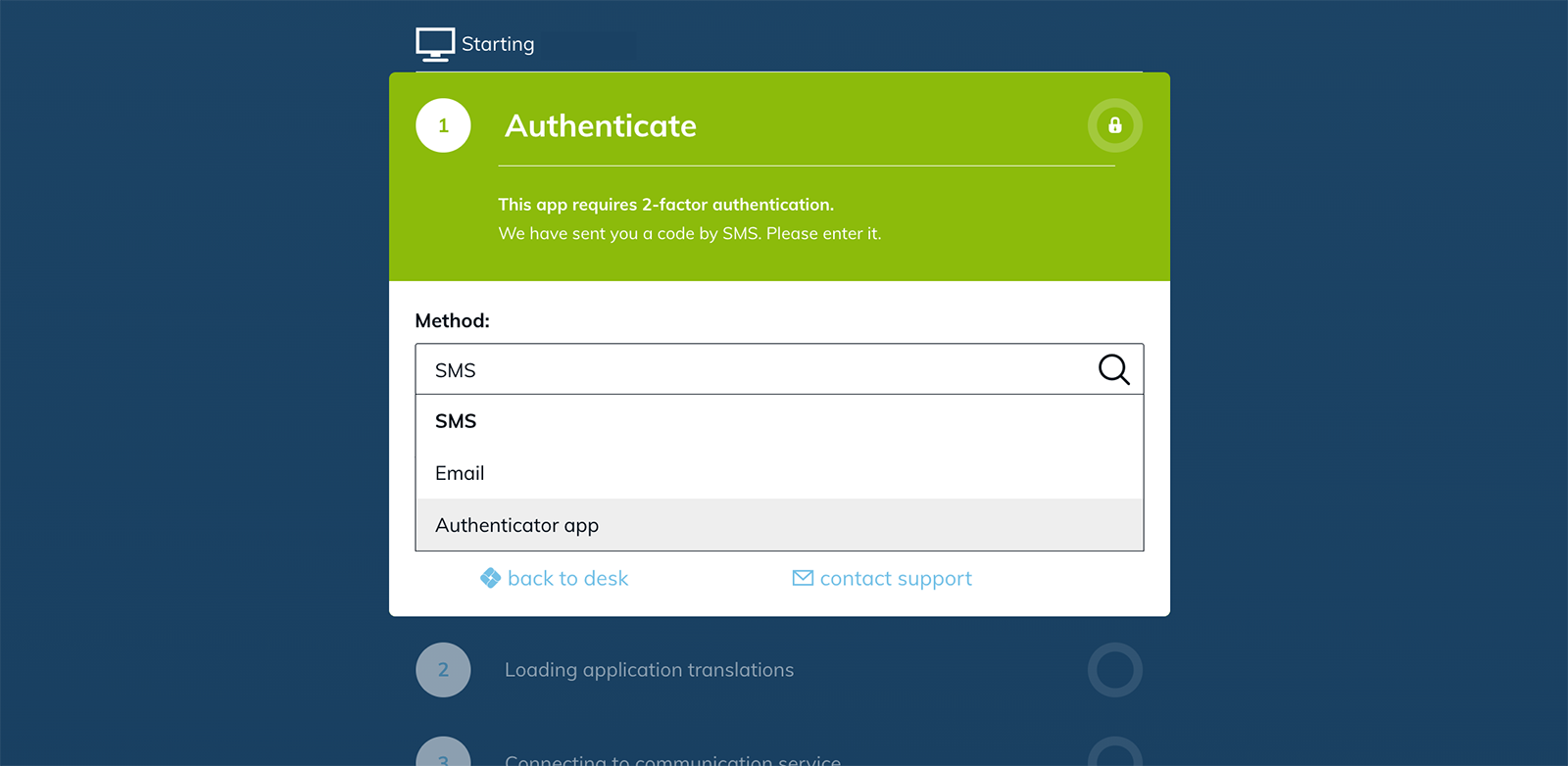
Two-factor sign-in now handles everyday situations more gracefully. You have three attempts to enter the correct code before you are signed out. If your account has multiple 2FA methods configured, a method chooser inside the sign-in dialog lets you switch between authenticator app, SMS, and email — switching back and forth no longer triggers duplicate codes.
Faster, more modern Hybrid Drive
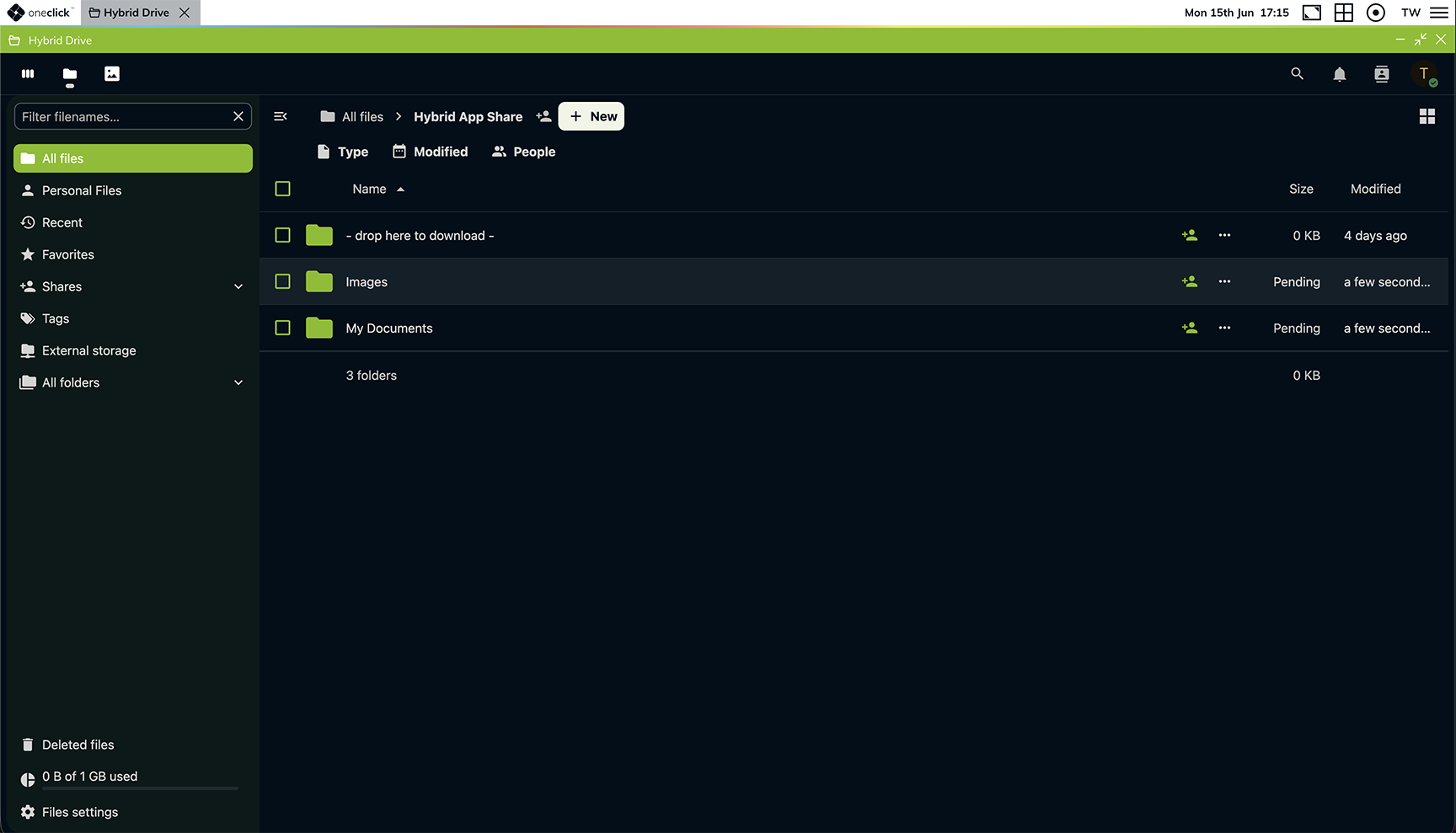
Hybrid Drive — the drive that appears inside your Web Access Drive (WAD) sessions — now has a noticeably faster file browser, refreshed sharing, an activity feed, and richer collaboration features. oneclick™ branding and dark mode are applied throughout, sign-in carries over seamlessly from the platform, and you can manage personal security settings (for example a guided first-time password setup) directly inside the drive. Signing out of the platform also ends the drive session.
Streaming that adapts to your connection
App streaming now adjusts to the bandwidth available on your device. On slower connections, the platform automatically lowers the streaming rate so latency stays low instead of spiking. If a connection does drop, it is restored without any action from you.
Apps open without a security warning
When you open an app via the oneclick™ Gateway, the RDP client used to show a security warning about an "Unknown publisher" before starting the session. That warning no longer appears — your app starts straight away.
See at a glance which destinations are available
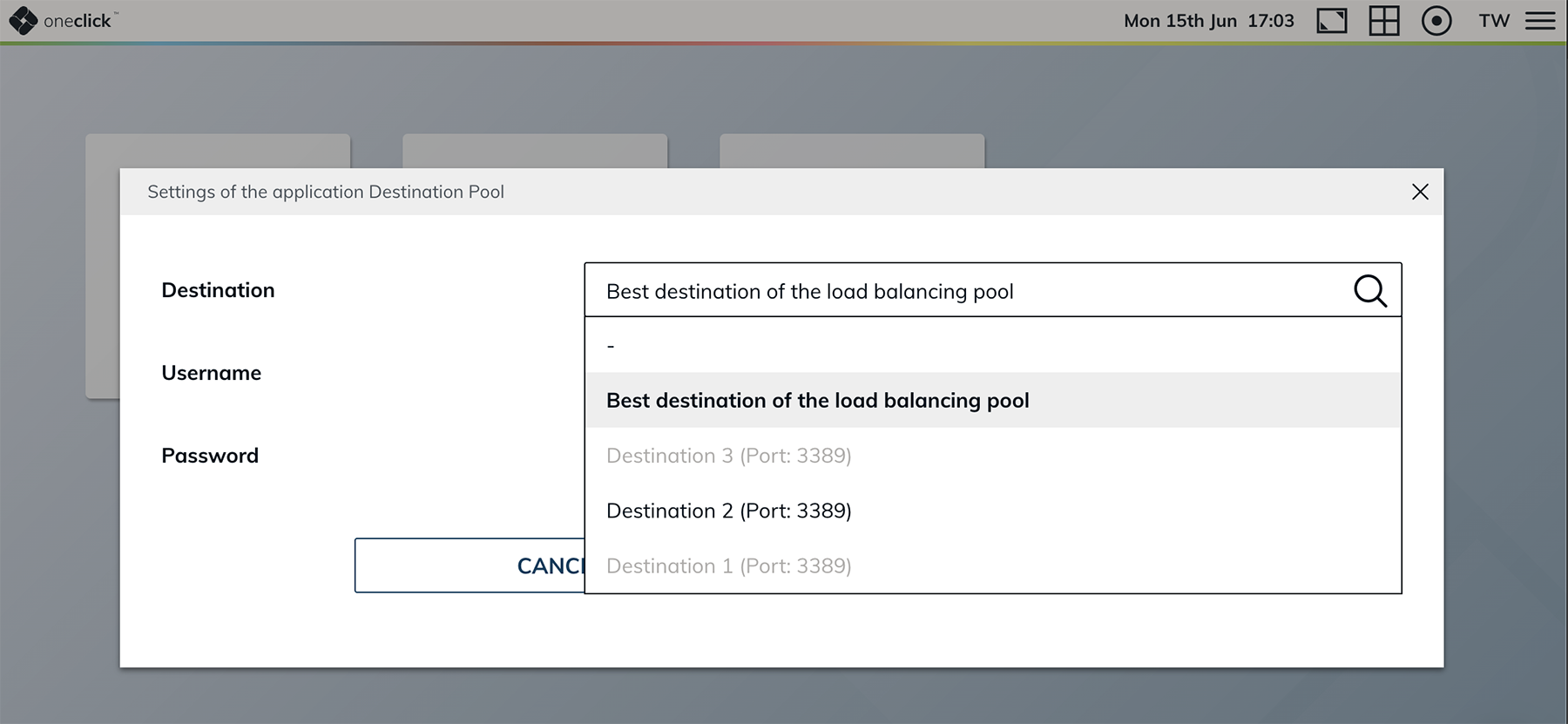
When you can pick a destination from a pool inside an app tile, destinations currently in maintenance are now greyed out. You see at a glance which systems are available and avoid picking one that wouldn't connect right now.
Bug Fixes
- Desk sidebar closes after opening Product support: The sidebar on your oneclick™ desk now closes as expected after you open Product support from it.