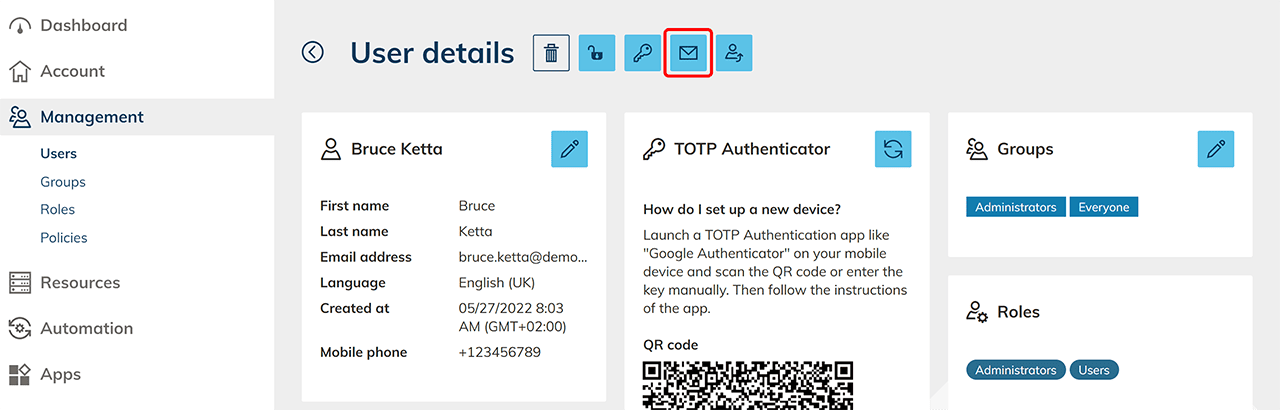
Send the oneclick™ registration link
Sending the oneclick™ registration link to multiple users at the same time
Have you set up resources for your users and assigned app instances to them?
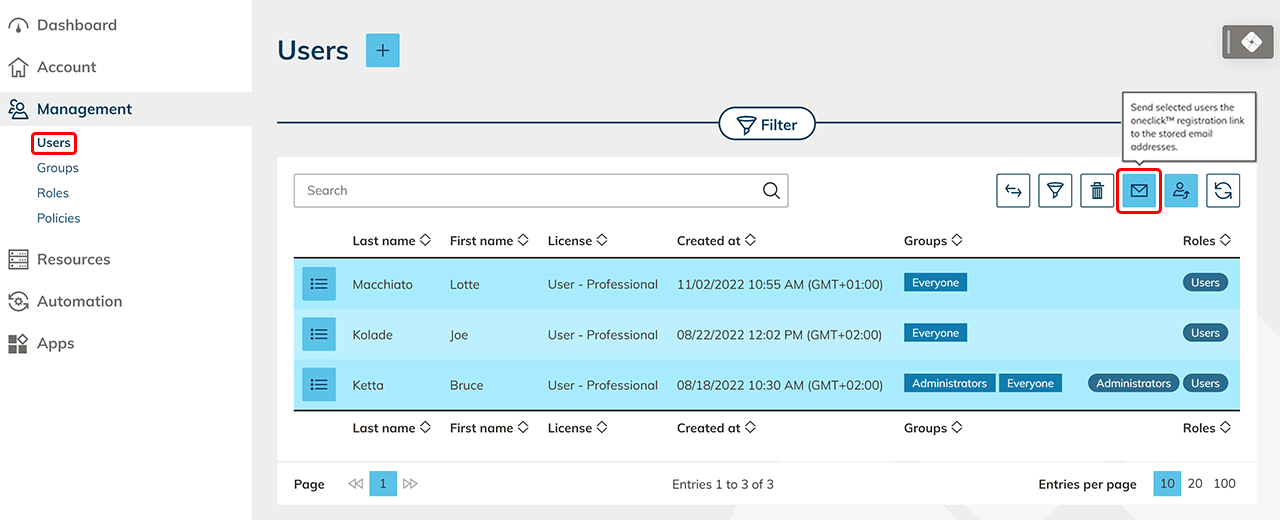
- Using the Management tab please click Users.
- Select the corresponding users by clicking on the rows. Selected user lines will be highlighted in blue. Now you can click on the Letter icon to send the oneclick™ registration link to the stored e-mail addresses of the selected users.
Send the oneclick™ registration link to a single user
Have you set up resources for your users and assigned app instances to them?
-
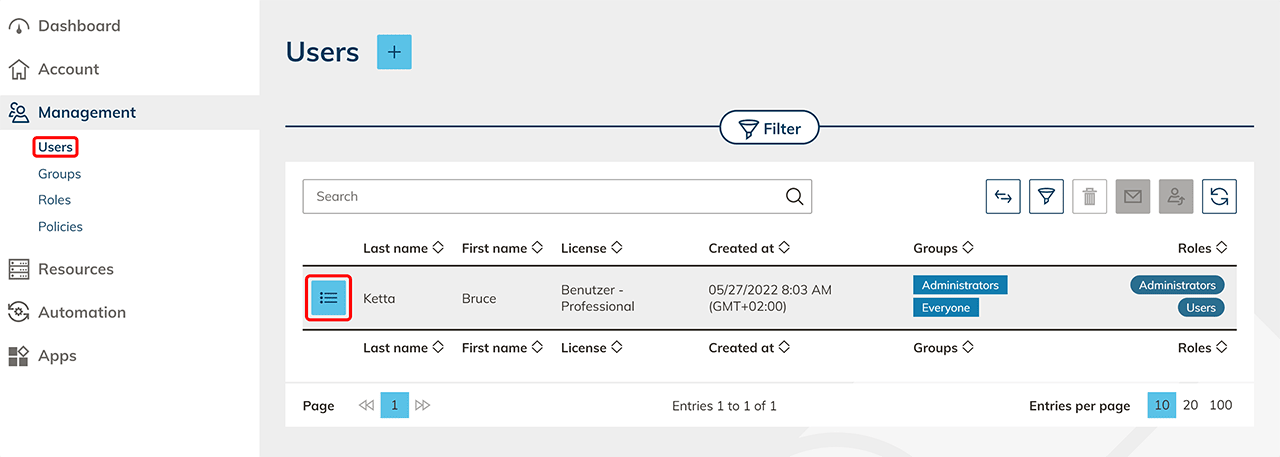
Go to the Administration tab and then to Users.
-
Click on the List icon to go to the details page of a user.
-
Click on the Envelope icon to send the oneclick™ registration link to the email address of the user.