Change a user's license
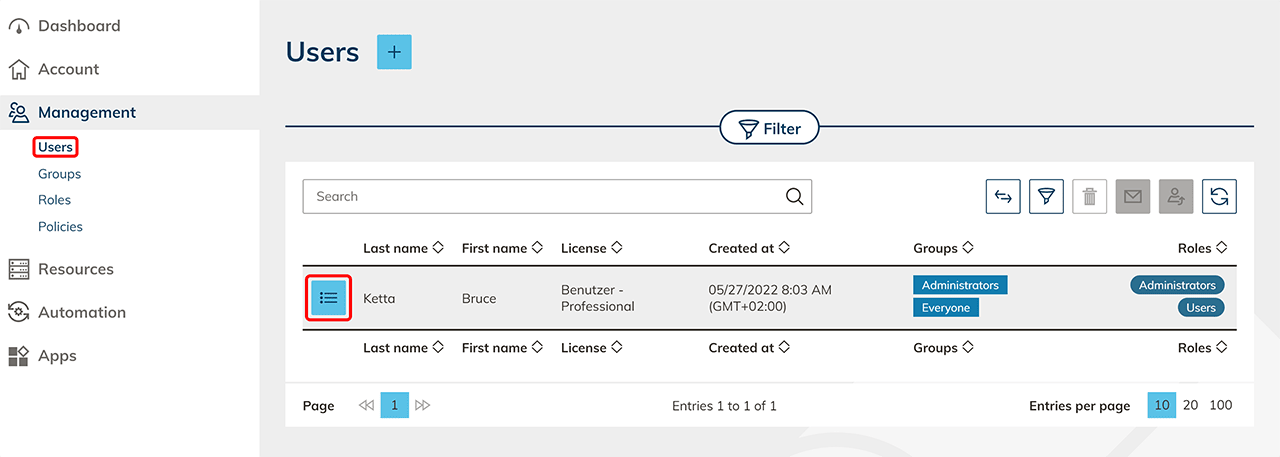
- In the "Administration" tab, click on Users.
- Click on the List icon in the row of the user you want to edit. You get to the detail page.
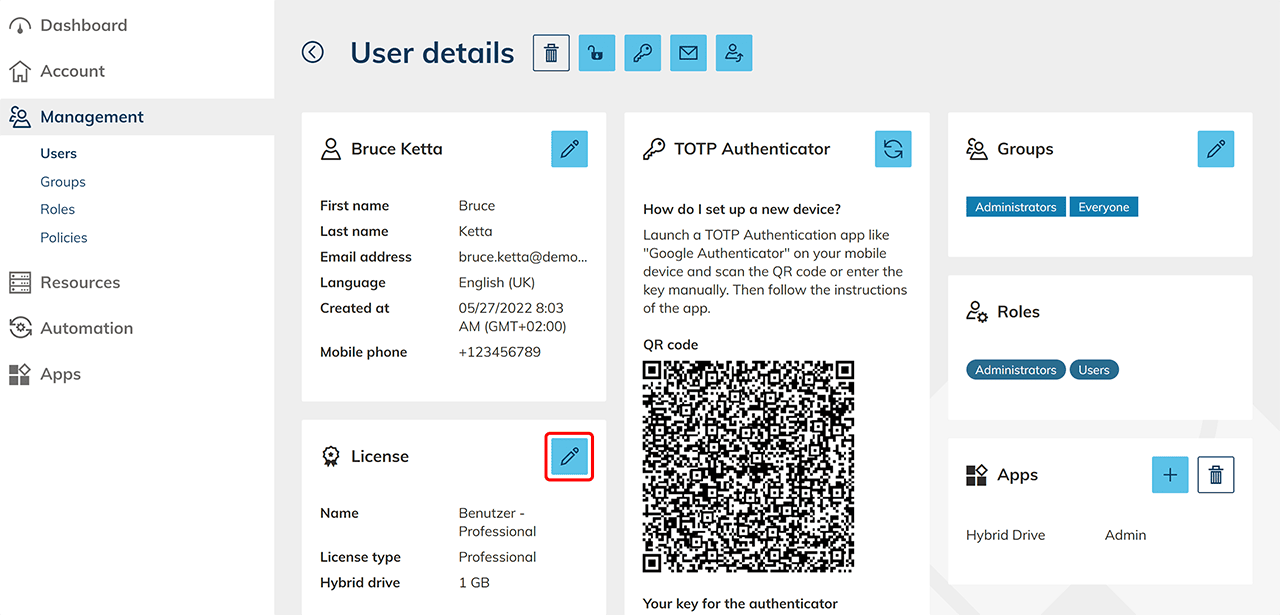
- In the "License" tile, click on the Pencil icon to edit the license.
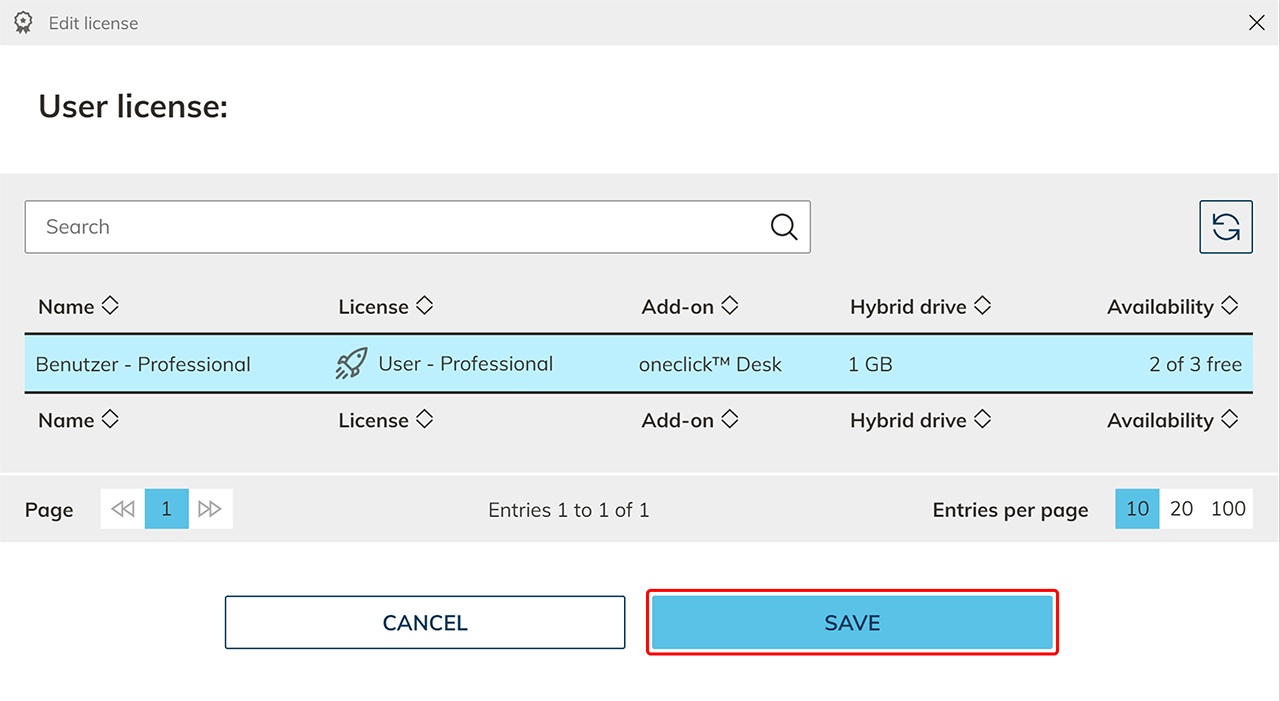
- Select the license for this user and end the process by clicking on Save.