Marketplace license

Marketplace licenses allow you to provide various software products and services in oneclick™.
Request a Marketplace license
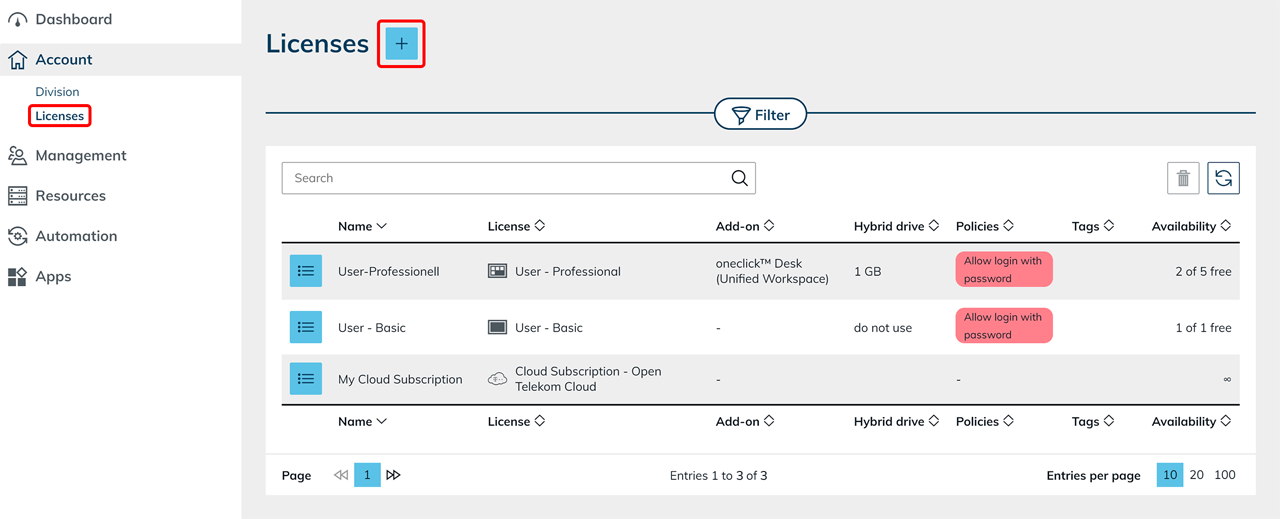
- In the menu, click Account and then Licenses.
- Click the Plus icon.
- Click the Marketplace tile.
- Select the desired license type.
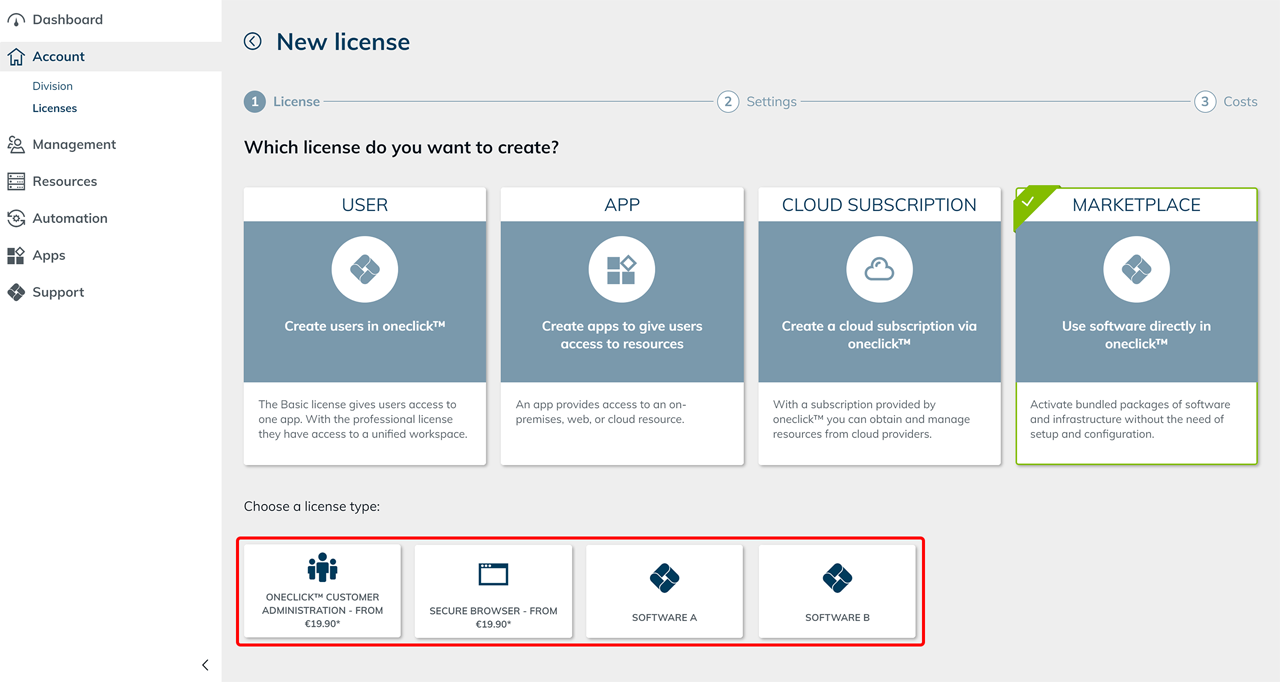
- Follow the steps to request the license.
Further setup
The next steps depend on the selected license type. Complete instructions, from requesting the license to setting up the app, are available for the following license types:
- Set up oneclick™ Customer admin—Request the license, create an app configuration, assign an app instance, and configure access rights.
- Set up oneclick™ Secure Browser—Request the license, configure the browser, adjust settings, and assign an app instance.