Reinitialize and Check Connection
In certain cases, it may be useful to manually reinitialize the VPN IPsec connection — for example, if the connection appears unstable or if changes have been made on the remote side.
In the detail view of your VPN connection, you can:
- reinitialize the connection at any time
- and simultaneously check the current connection status.
1. Reinitialize VPN connection
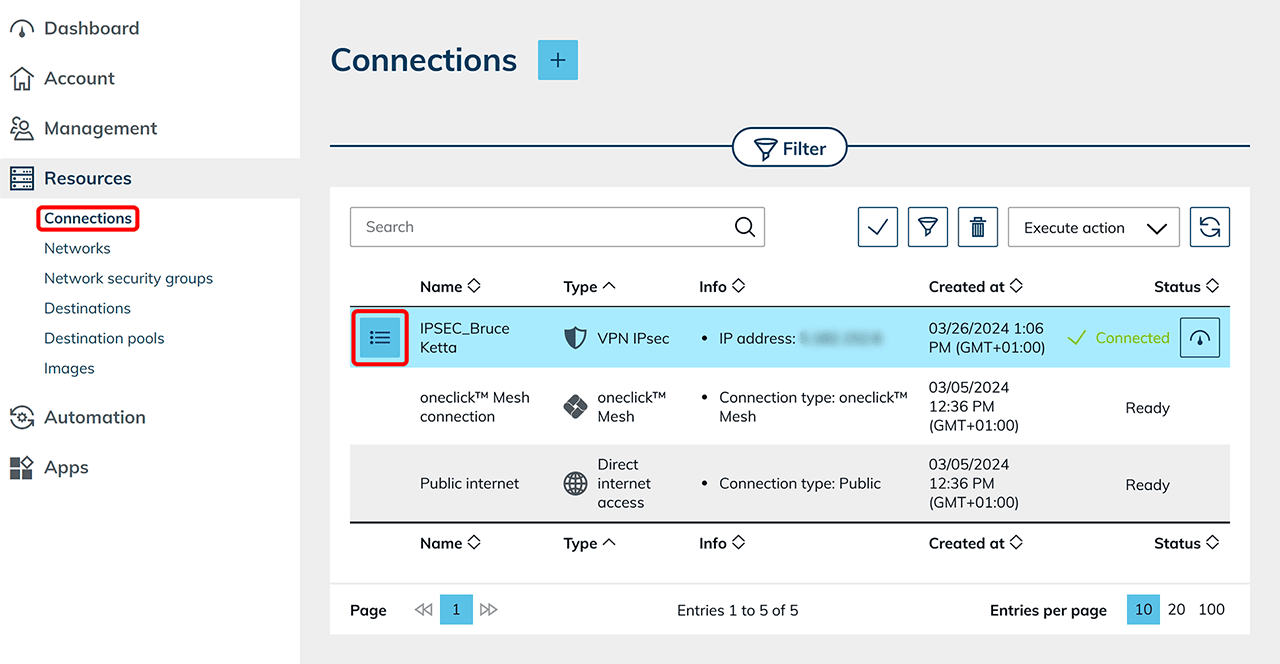
- In the oneclick™ administration, go to the Resources tab and click on Connections.
- Find the desired VPN connection in the list. In the corresponding row, click the List icon to open the detail view.
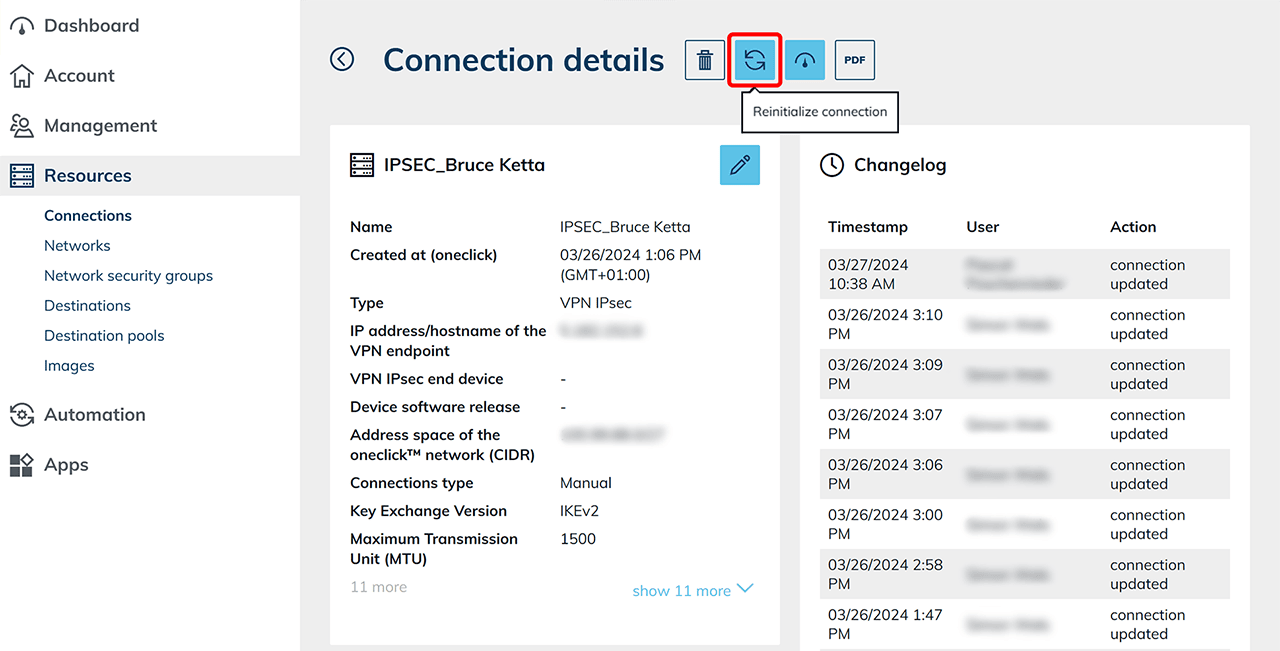
- In the detail view, click the “Reinitialize connection” icon in the upper right corner. The connection will be rebuilt immediately.
2. Check VPN status
You can also check the current status of your VPN connection in the detail view:
- Click the “View VPN status” icon.
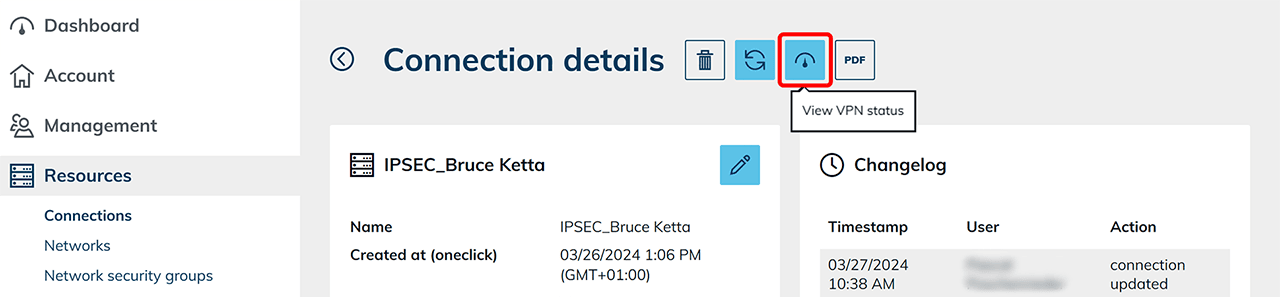
- In the status view, you can verify key connection data:
- Top section: VPN status
- Bottom section: VPN logs