Connection Issues VPN IPsec
A VPN IPsec connection can fail for various reasons, such as a blocked firewall, a misconfiguration, or an unreachable destination system.
Check the connection using the following steps:
- Check the internet connection at your location and on your local device
- Check the status of your VPN IPsec connection
- Reinitialize the connection if necessary
- Firewall- and destination system settings check
Check firewall settings:
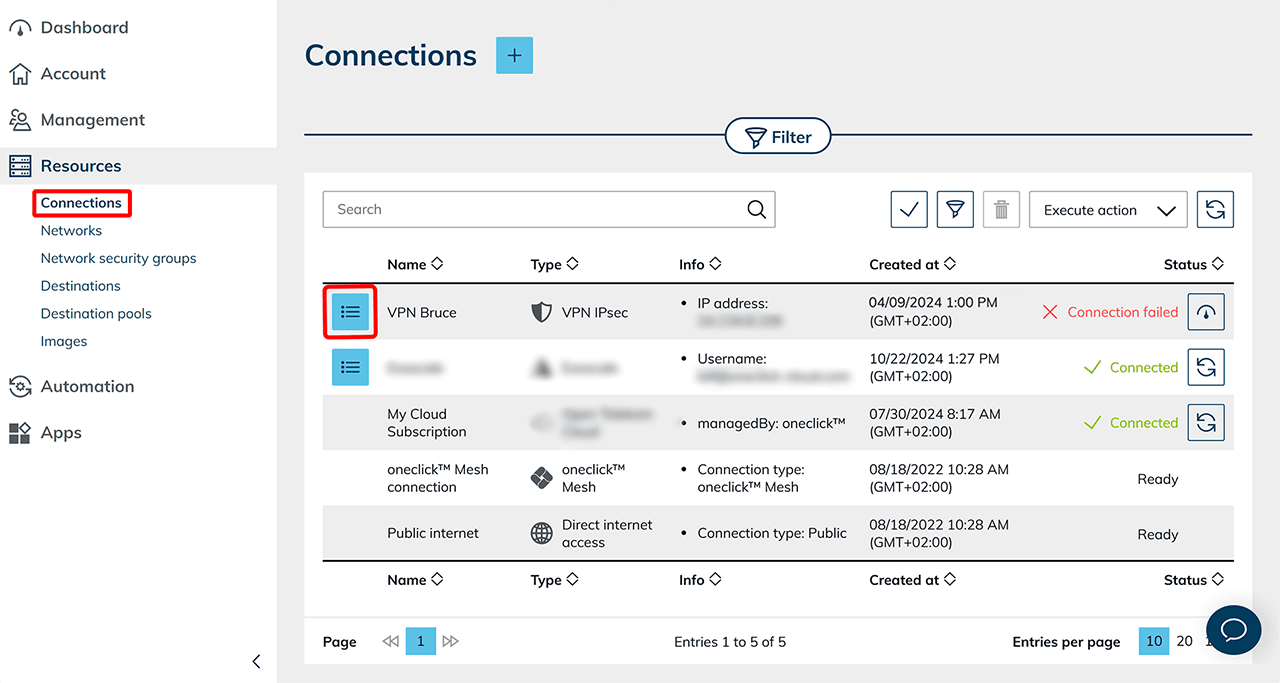
- In oneclick™ Administration, open the Resources tab and click Connections.
- Select the desired VPN connection from the list.
- In the corresponding row, click the List icon to open the detail view.
- Download the configuration file (PDF) there.
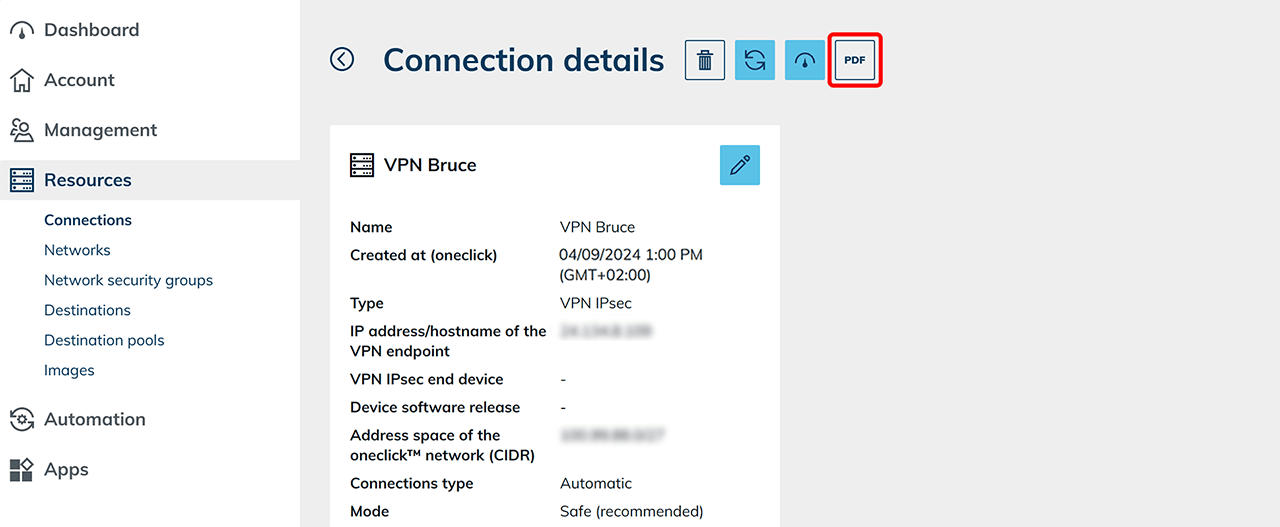
- Compare your firewall settings with the information in the PDF.
- Apply the values from the generated PDF exactly in your VPN endpoint’s settings.
- If your firewall blocks external access, allow access via the oneclick™ IP address.
- Make sure that ports 500 and 4500 (UDP) for IPsec are open on the WAN side of your firewall.
- Check whether oneclick™ has VPN access to the desired local destination networks.
Check the connection destination:
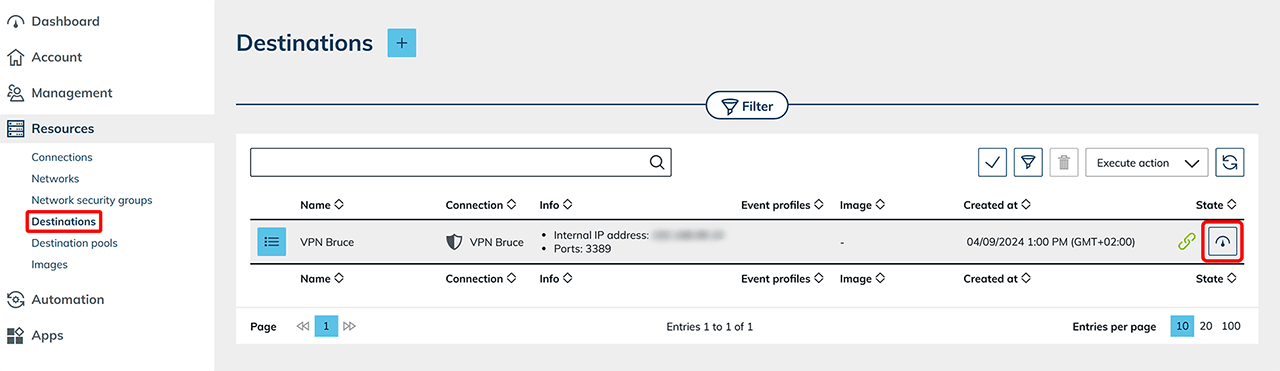
- In the Resources tab, open the Destination systems section.
- In the row of the desired destination, click the Speedometer icon to test reachability.
- In the same row, click the List icon to open the detail view.
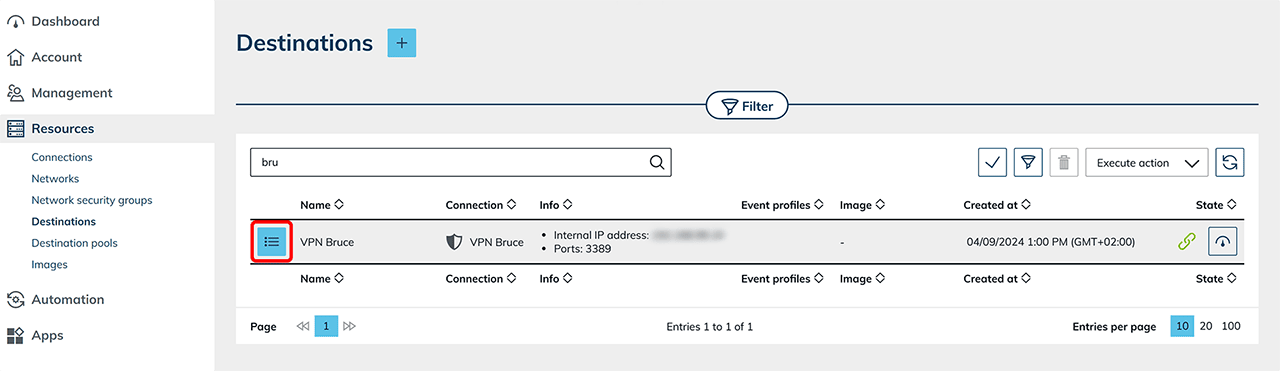
- Check whether Hostname/IP and Port are entered correctly and match the information in the PDF.
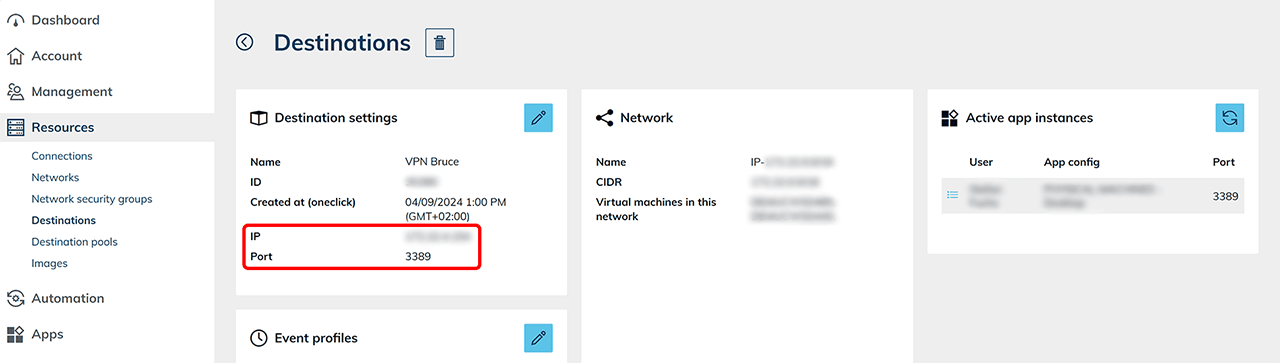
- Correct incorrect entries.
- Then perform a reinitialization to apply the changes immediately. Note: Changes to connection settings automatically trigger a reinitialization. If the remote side does not allow a connection, the system will attempt reconnects at increasing intervals. A manual reinitialization shortens the waiting time and also resolves internal issues, e.g. if the connection has to be re-created after the rendering cluster was moved.
- Test the connection again.
If the issue cannot be resolved, check the prerequisites for the VPN IPsec connection or contact our support.