Restore Monitor Layout
You would like to restore the monitor layout of your last session after exiting oneclick™?
- Click on the Restore icon in your oneclick™ menu.
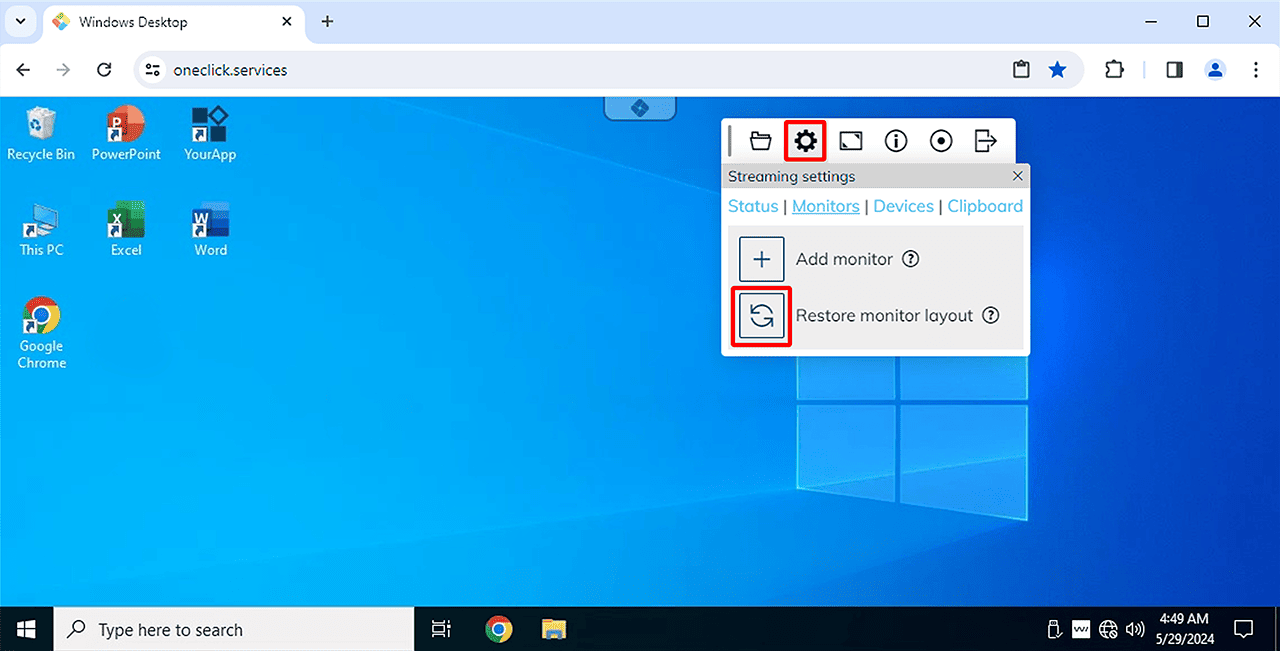
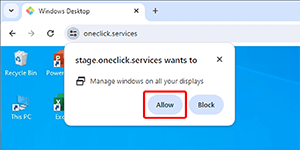
- Allow “Manage windows on all displays”. This allows oneclick™ to open the monitors at the last known position and with the previously specified size when the layout is restored.
- Ending your session, do not close the additional monitor windows, but always the main monitor or log out. This will save the last position as well as the size of the windows.