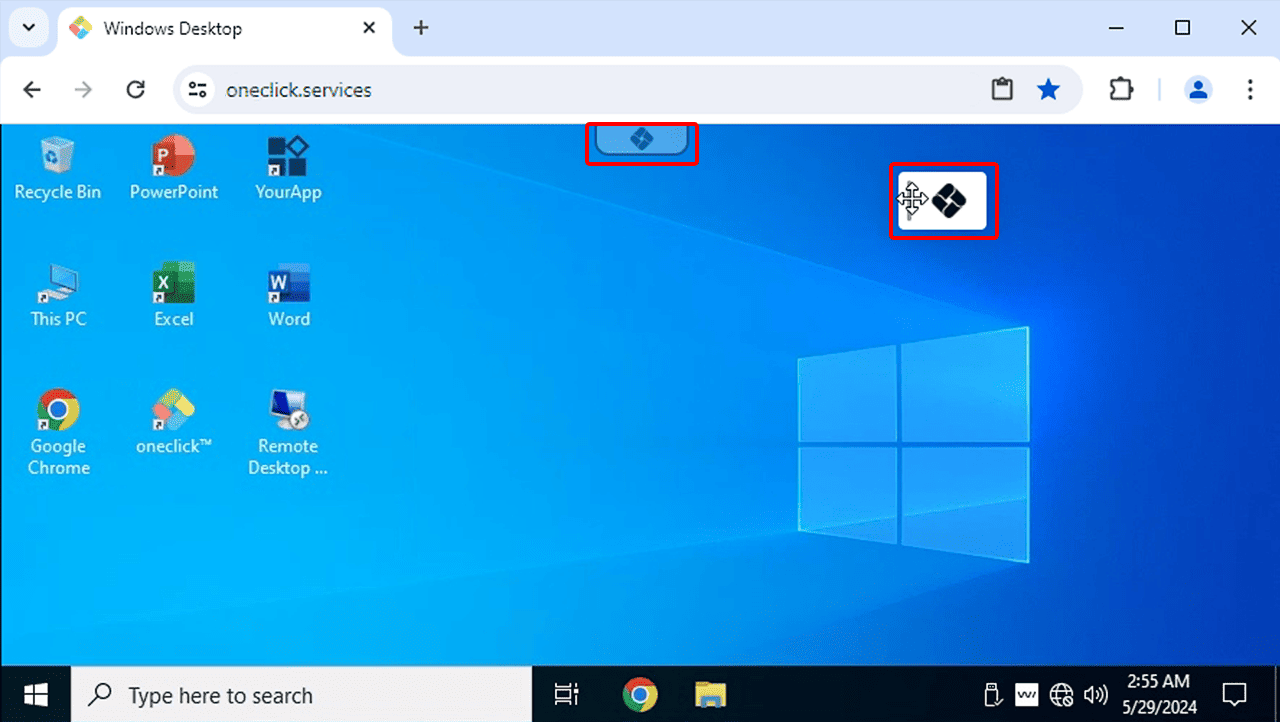
oneclick™ Move app menu
The menu appears in the top center of every remote app.
- Click on it to open the oneclick™ menu.
- Move the mouse to the vertical line on the left side of the oneclick™ menu until the cursor turns into a cross.
- Click and hold the left mouse button and drag the oneclick™ menu to the desired position.
- Next time, the oneclick™ menu will be displayed at the position you selected.