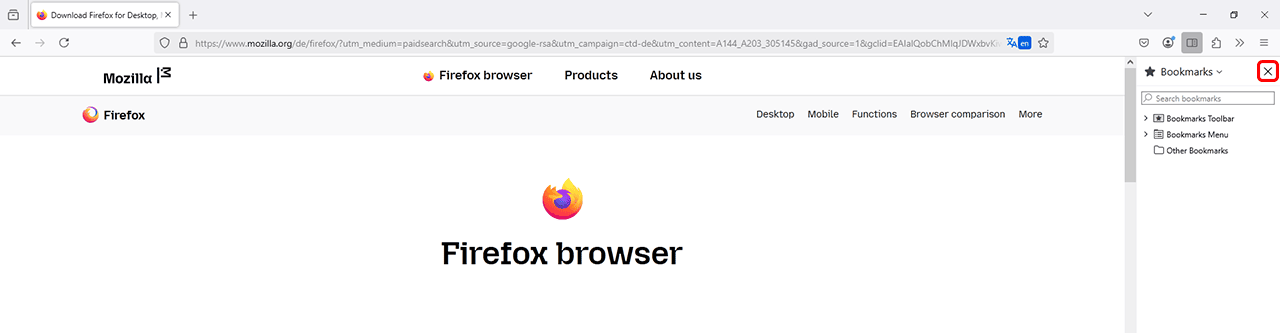
Hide the Sidebar in the Browser
When using the multi-monitor function in the Edge and Firefox browsers, the sidebar must be hidden. Otherwise, there may be issues with the positioning of the cursor and mouse pointer. This happens because the browser does not take the sidebar into account when calculating the available display area.
Hide the Sidebar in Edge Browser
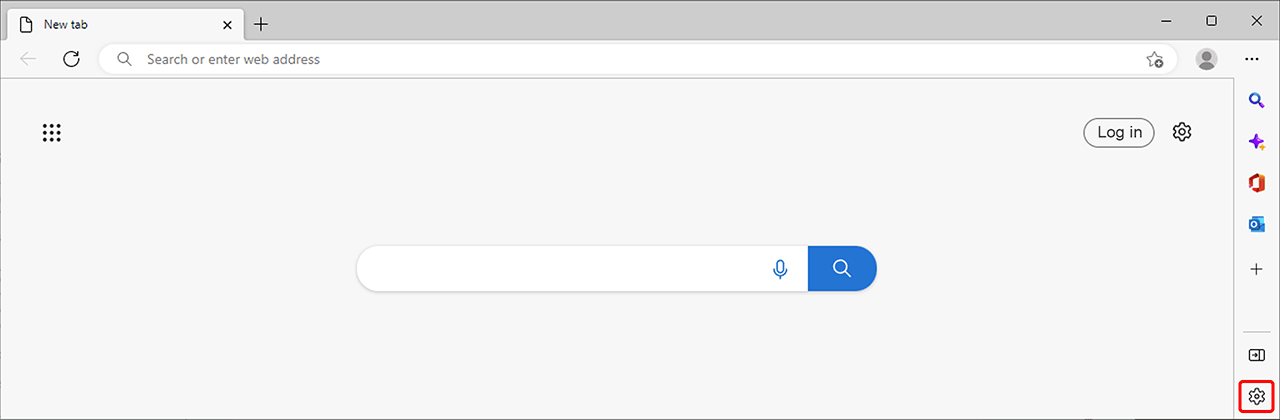
- In your Edge browser, click the gear icon at the bottom right of the sidebar.
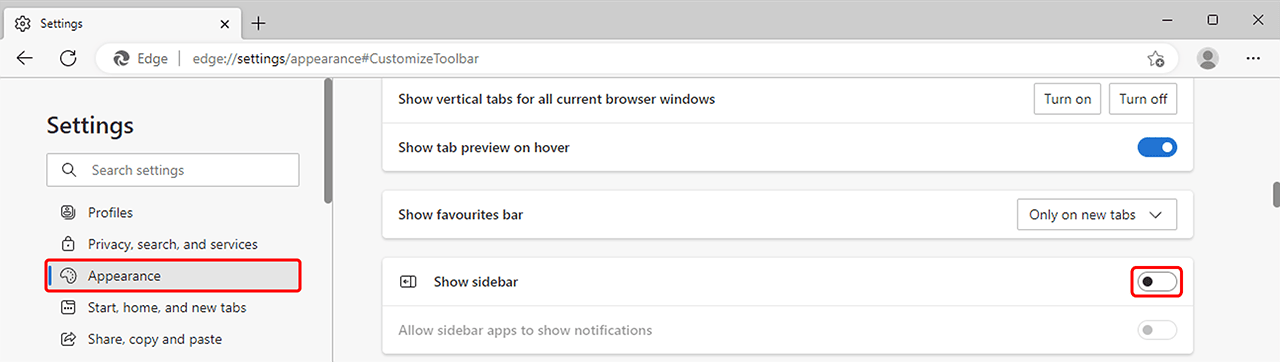
- You are now in the "Appearance" settings. Scroll down to the Sidebar section and disable Show Sidebar.
Hide the Sidebar in Firefox Browser
To close the sidebar in Firefox, simply click the X Icon in the upper corner of the sidebar.