Reset TOTP Authenticator
If you want to reset the TOTP authenticator, which you have selected in a policy for the 2nd factor, proceed as follows:
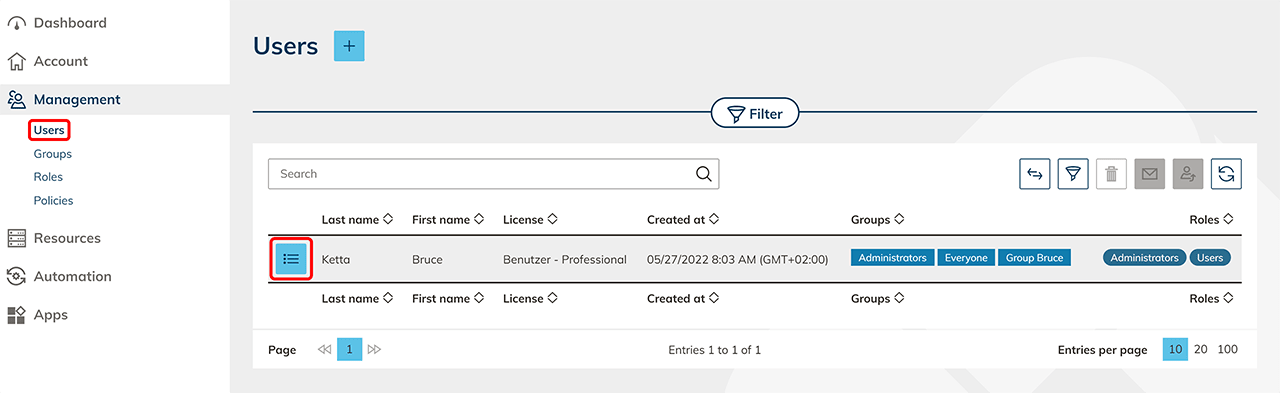
- Using the “Management” tab please click Users.
- In the line for the user whose TOTP authenticator you want to reset, click on the List icon.
- In the TOTP authenticator tile, click
 to reset. The next time the user logs in, the QR code is displayed again. If you activate the code for yourself, you can also scan the code directly in this view.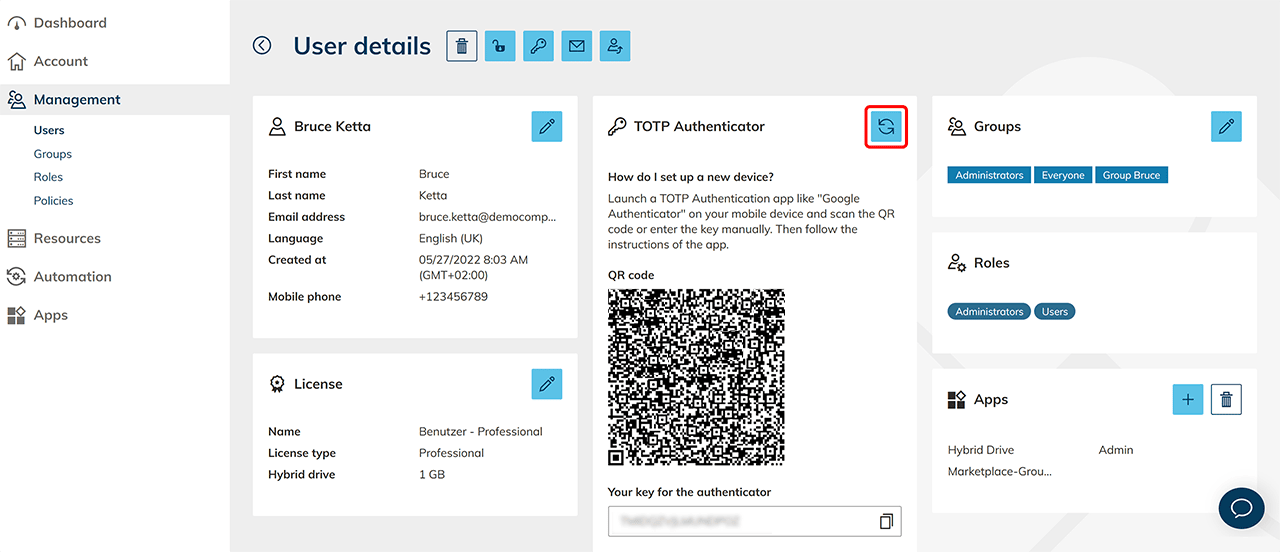
What happens next for the user
Users see the QR code only during the first setup. If a user contacts you because no QR code is displayed, for example after changing smartphones, reset the TOTP authenticator as described above. The user then sets up their authenticator app again as described in Login to oneclick™.