Allow login via Identity Provider/AD only
You have already given your users access to oneclick™ via an Identity Provider or a private AD and would like them to use that way exclusively?
In this case, the policy "Allow login with password" can be deactivated, as it will otherwise continue to allow your users to log in via the oneclick™ credentials.
Resetting the password directly via oneclick™ is no longer possible as a result of these settings, as the credentials will only be retrieved via the Identity Provider or the Active Directory.
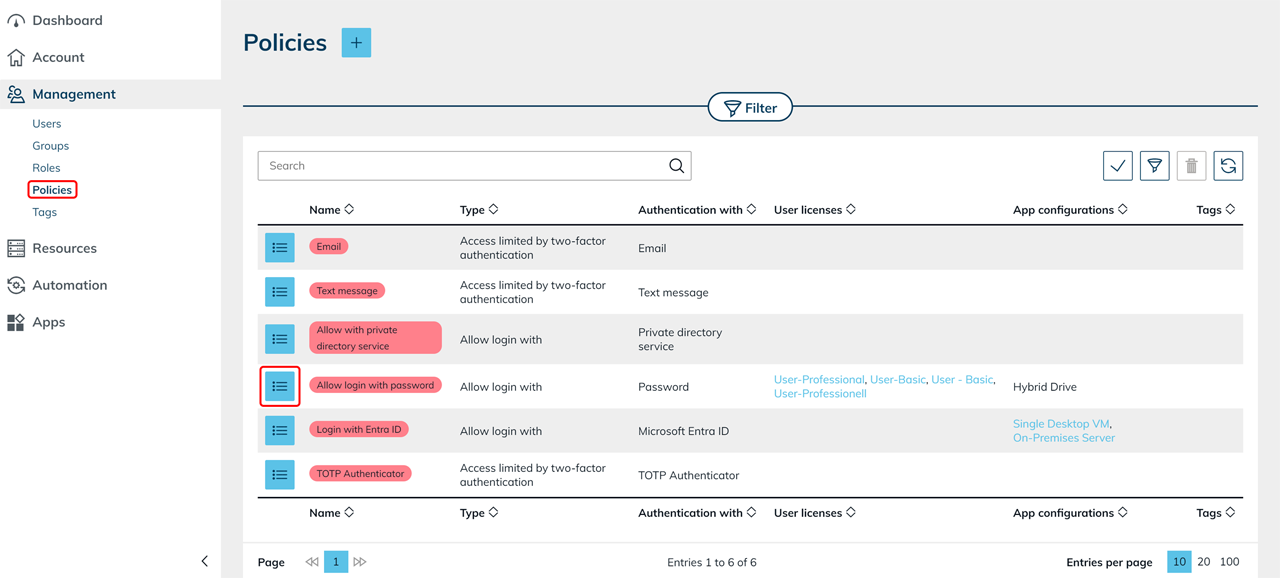
- Click on the Management tab and then on Policies.
- Switch to the details page of the policy "Allow login with password" by clicking on the corresponding List icon.
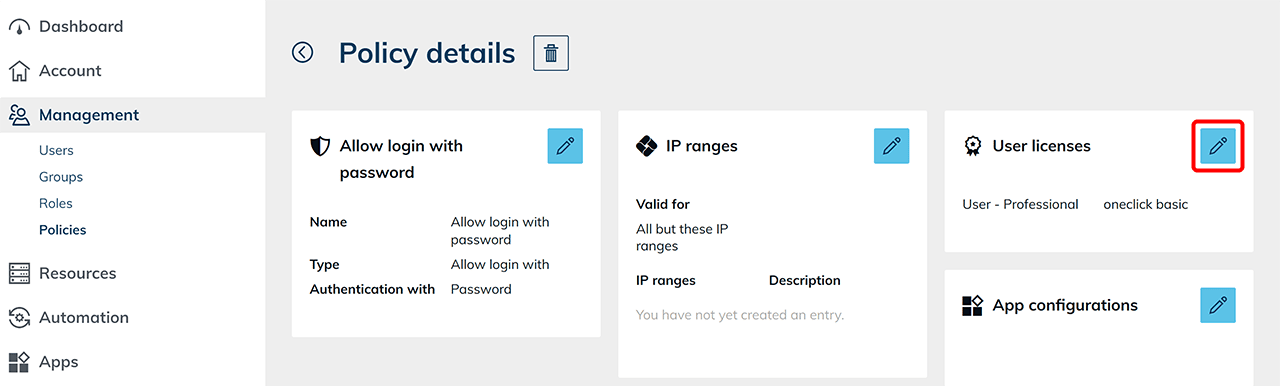
- Click on the Pencil icon in the "User licenses" tile.
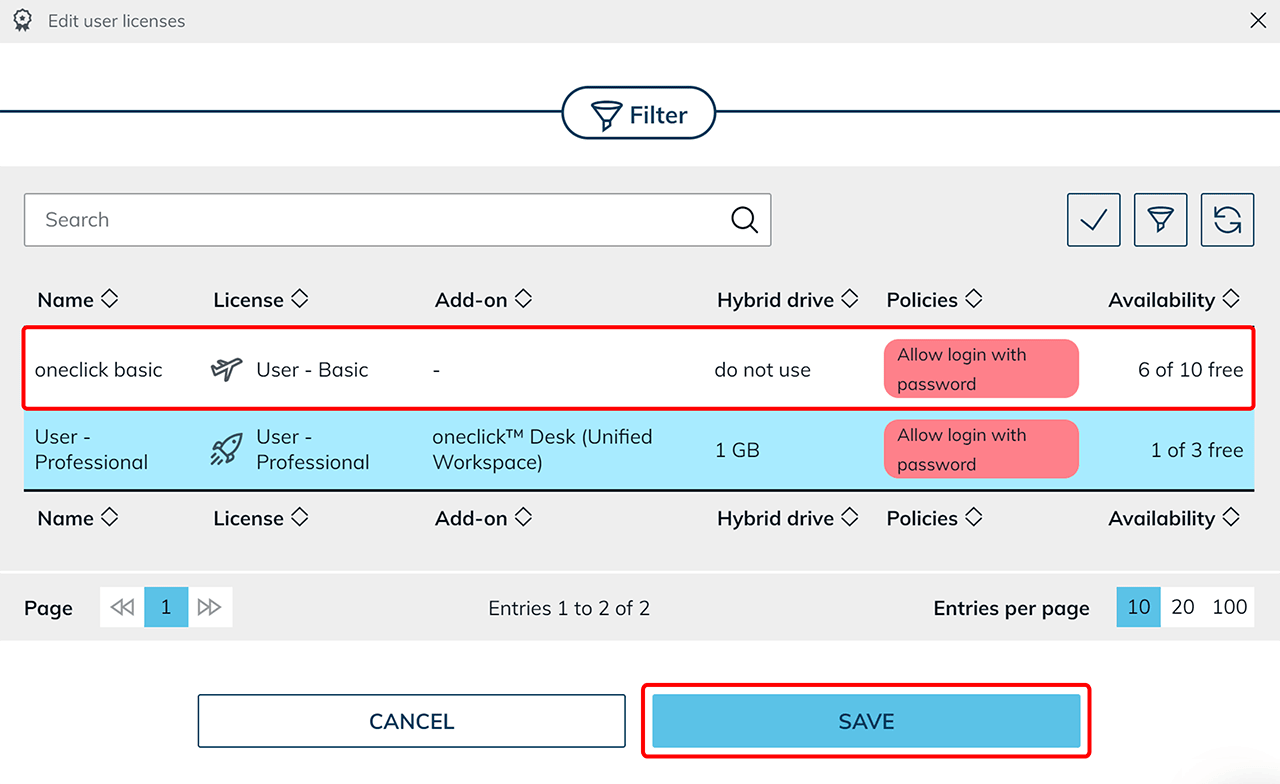
- Deselect the user licenses that should only access oneclick™ via an Identity Provider. Then click Save.