Hybrid Drive
The Hybrid Drive is attached to oneclick™ as a drive on your virtual Windows desktop, designed as a transfer drive (data exchange) via "drag and drop" between a local end device and connected resource.
The oneclick™ Hybrid Drive can be added to your oneclick account in sizes from 1GB to 50GB.
"Hybrid App Share on oneclick" on your virtual desktop
The drive/folder "Hybrid App Share on oneclick" is located in the Windows Explorer (e.g. on a Windows Remote Desktop) in the navigation area on the left under This PC. 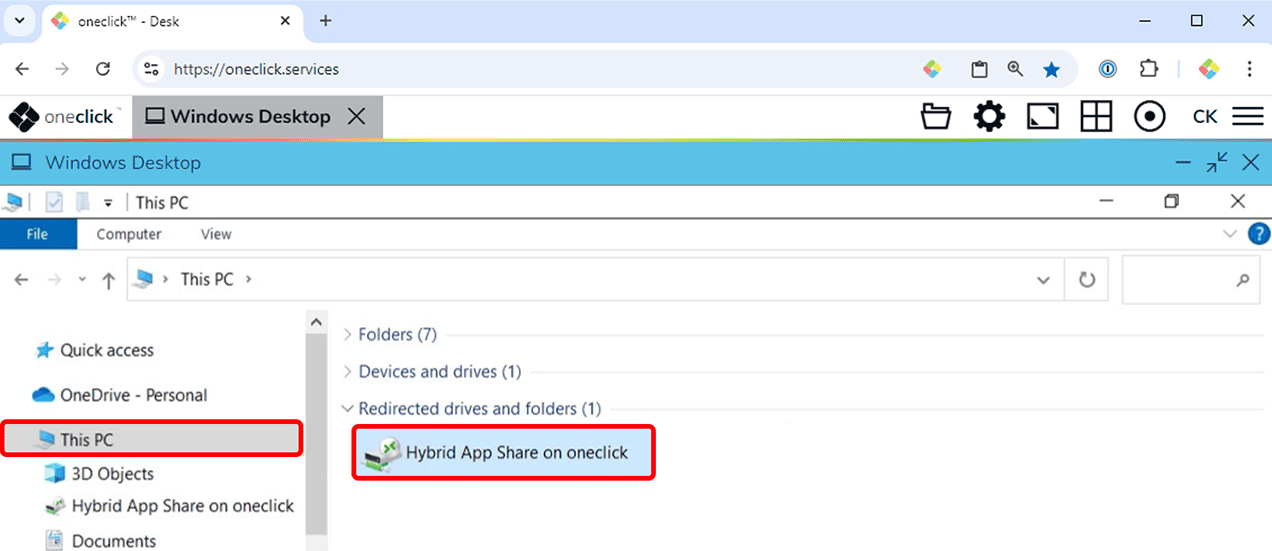 For detailed information on how to transfer data between your local end device and the oneclick™ apps (e.g. a Windows Remote Desktop), see Upload files and Download files.
If you cannot find the folder "Hybrid App Share on oneclick", it is possible that you do not have the required licence to access it. In this case, contact your administrator.
Hybrid Drive App in the Unified Workspace
Users with access to the Unified Workspace and corresponding configuration have additional access to the Hybrid Drive app. 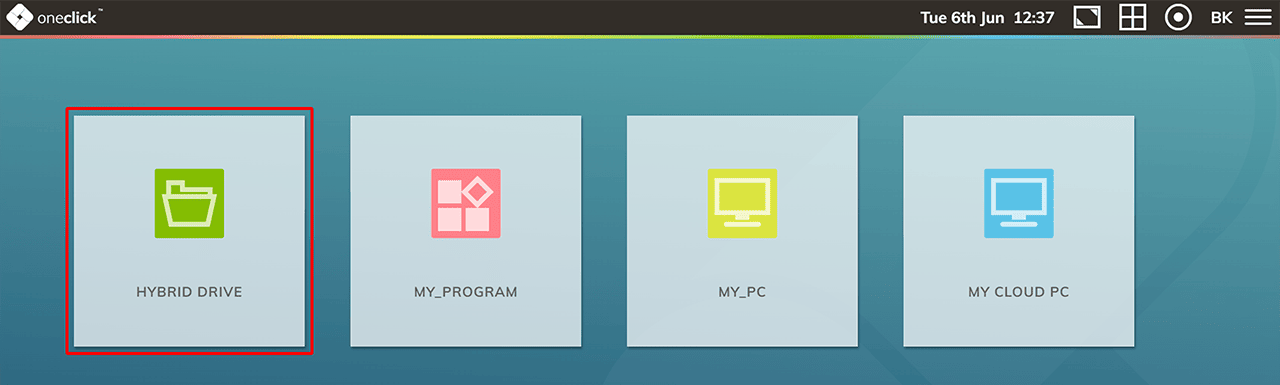 If you want to transfer data between your local device and your virtual desktop, you have to place it in the existing "Hybrid App Share" folder on the Hybrid Drive.
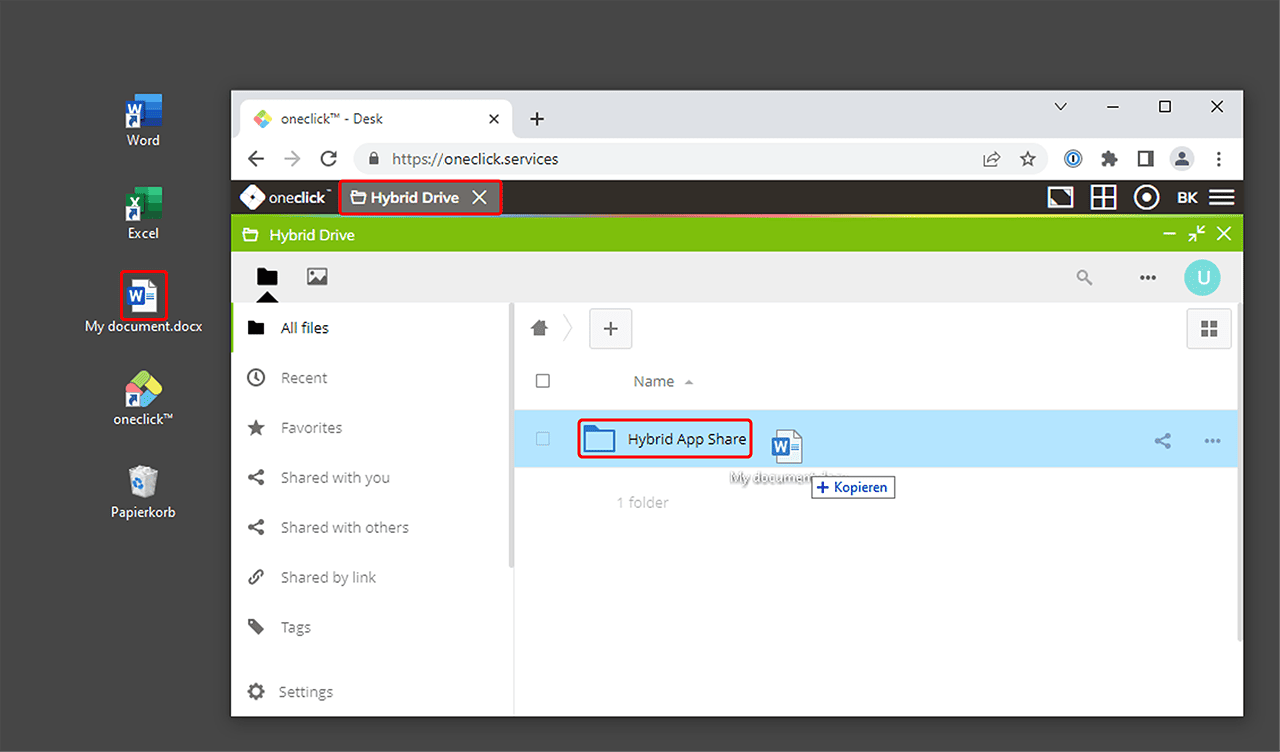
Via your virtual desktop, you can only access the data located in the folder "Hybrid App Share".
Within the Hybrid Drive app you can:
- Share files
- Access files from different devices through the Nextcloud app
- Connect external storage, such as SMB shares or cloud storage e.g. Google Drive